
SchoolAI
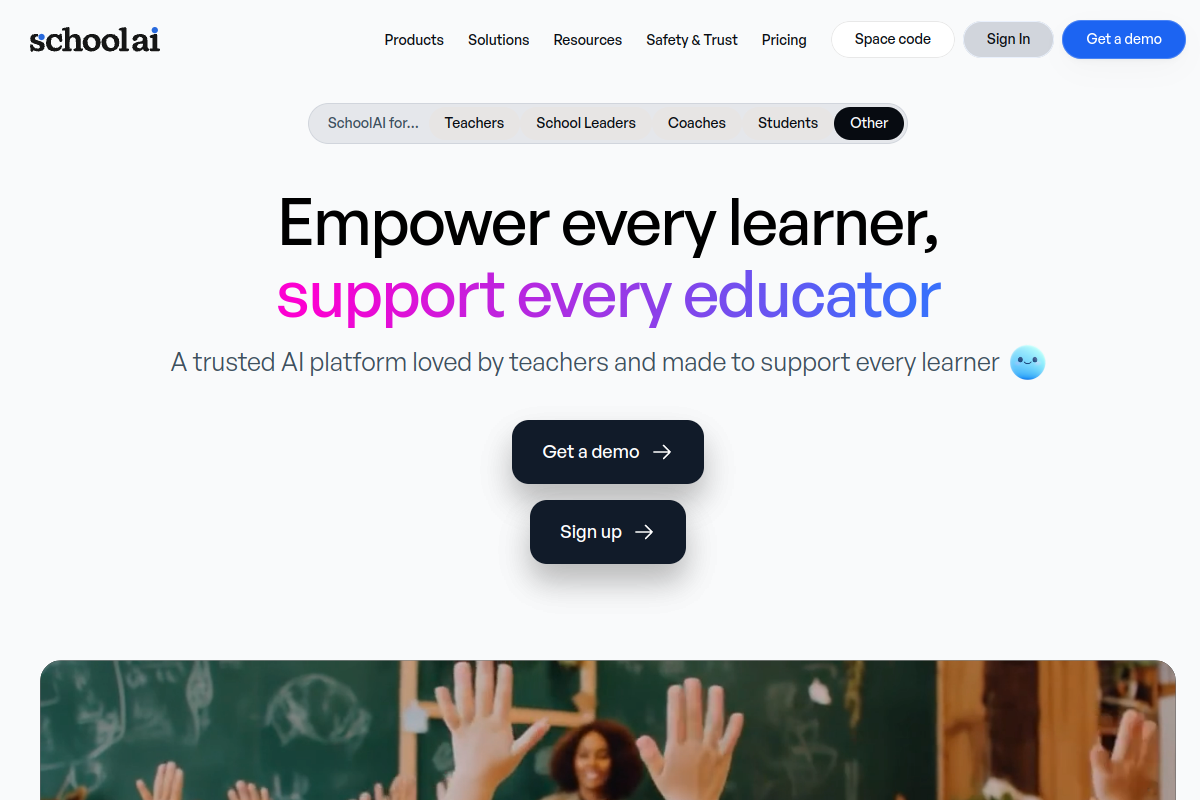
SchoolAI is an advanced AI platform designed for the educational sector, providing robust tools for both teachers and students. This innovative solution aims to enhance learning and streamline administrative tasks within schools globally.
Executive Summary
SchoolAI is a transformative AI tool for education, empowering teachers to streamline workflows and offering students personalized learning experiences through its innovative ‘Spaces’ and AI assistant features. It addresses the growing demand for efficient and engaging educational technology while adhering to critical privacy standards.
Quick Facts
Ease of Use
6.5/10
Level
Medium
Beginner Friendly
Yes
Time to Master
3-5 hours for core features
What is SchoolAI?
SchoolAI is an advanced artificial intelligence platform designed specifically for the educational sector, assisting both educators and students in various academic tasks. It aims to streamline administrative burdens for teachers and enhance learning experiences for students through intelligent automation and personalized content generation.
This innovative tool leverages AI to create lesson plans, generate assignments, provide differentiated instruction, and offer study support, fostering a more efficient and engaging learning environment, with compliance to FERPA, COPPA, and SOC 2 standards for safety and privacy.
Key Features
- AI Chat Assistant: Provides instant answers and support for diverse educational queries, acting as an intelligent teacher AI assistant.
- Lesson Plan Generator: Automatically creates comprehensive lesson plans, aligning with standards, and saving educators significant preparation time.
- Differentiated Instruction Tools: Tailors content and assignments to meet individual student needs, supporting personalized learning paths within ‘Spaces’.
- Assessment Creation: Generates quizzes, tests, rubrics, and answer keys quickly, simplifying the evaluation process for teachers.
- Student Personalized Learning (Spaces & Sidekick): Offers individualized AI tutors and interactive learning environments that adapt to each student.
- Real-time Insights (Mission Control): Provides educators with real-time data on student progress and engagement to inform instruction.
Pricing Breakdown
| Plan | Price | Features | Verdict |
|---|---|---|---|
| Free | Free | Access to 200,000+ premade ‘Spaces’ and resources for teachers & students; basic dashboard and limited ‘Coteacher’ bots. | Perfect for individual teachers exploring AI and its benefits in the classroom. |
| Pro | Starting at ~$14.99/month (estimated, or custom quote for schools) | Includes everything in Free, plus unlimited PowerUps per Space, enhanced insights, customization-enabled AI image generation, and more advanced features for school-wide adoption. | Designed for schools ready to integrate AI as a core component of daily teaching and learning practices. |
| Scale | Custom Quote | Includes everything in Free and Pro, with district-level features such as SIS-powered rostering, comprehensive data privacy agreements, LMS integration, professional development, and dedicated customer success management. | Ideal for districts leading the way with secure, scalable, and results-driven AI integration across multiple schools. |
Pros
- Time-saving: Automates routine tasks like lesson planning and assignment creation, freeing up teacher time for direct instruction and feedback.
- Personalized Learning: Offers tailored content and AI-driven tutoring through ‘Spaces’ and ‘Sidekick’, catering to individual student needs and learning styles.
- Enhanced Engagement: Creates interactive learning experiences, including chat with historical figures and customized activities.
- Data Privacy & Security: Compliant with FERPA, COPPA, and SOC 2, ensuring student data is protected and AI use is safe for schools.
- Comprehensive Toolset: Provides a wide array of features for content generation, assessment, and real-time monitoring for both educators and students.
Cons
- Human Review Needed: AI-generated content may require human oversight to ensure accuracy, nuance, and appropriateness.
- Reliance on Connectivity: Full functionality depends on stable internet access, which might be a barrier in some educational settings.
- Potential for Over-reliance: Over-dependence on AI tools might reduce opportunities for teachers to develop original instructional materials or students to engage in critical thinking without AI assistance.
Expert Verdict
SchoolAI stands out as a highly promising educational AI solution, particularly for its comprehensive approach to supporting both teachers and students. Its ability to generate diverse educational content, from lesson plans to personalized study guides, positions SchoolAI as a significant time-saver and a powerful tool for enhancing learning outcomes. While its full potential will depend on continued development and integration into diverse pedagogical practices, its current feature set offers substantial value for modern classrooms.
Real User Sentiment
Editor's Note
Initial reception for SchoolAI is largely positive, with educators appreciating its efficiency gains, personalization capabilities, and commitment to safety. Some feedback highlights the importance of human oversight and continuous AI accuracy improvements.
Source: Based on early adopter feedback and general discussions within education technology communities on platforms like Reddit and Product Hunt.
Common Feedback:
- “‘SchoolAI has been a game-changer for my lesson planning; it cuts down hours of work and the kids love the interactive ‘Spaces’!'”
- “‘I’m excited about the personalization for students, but I always review the AI’s output to make sure it aligns perfectly with our curriculum.'”
Best Use Cases
- Lesson Plan Creation: ‘Teachers can rapidly generate standards-aligned lesson plans, including objectives, activities, and assessments, by inputting key topic details into SchoolAI’s tools.’
- Personalized Student Tutoring: ‘Students can engage with AI-powered ‘Sidekick’ tutors within ‘Spaces’ for immediate, tailored support on any subject, adapting to their individual pace and questions.’
- Differentiated Learning Materials: ‘Educators can quickly create multiple versions of assignments or learning content, customized to various student proficiency levels or learning styles.’
Best Examples & Prompts
Recommended Workflows & Usage Scenarios:
‘Navigate to the “Lesson Planner” section, select grade level and subject, input learning objectives for ‘The Water Cycle’ (Grade 5), and click “Generate” to receive a comprehensive lesson plan including activities and assessments.’
‘Access the “Assignment Creator,” select ‘Algebra II’ and the topic ‘Quadratic Equations’, then use the “Differentiate” option to generate three versions of the assignment: one for foundational understanding, one for standard practice, and one for advanced learners.’
‘For students, go to “Study Tools,” enter the specific concept ‘Photosynthesis’ from their biology textbook, and select “Generate Study Guide” to receive key summaries, vocabulary, and practice questions tailored to that topic.’
Limitations You Should Know
- AI output, while helpful, always requires human review to ensure factual accuracy and pedagogical suitability for specific classroom contexts.
- The depth of personalization for individual students might still have boundaries compared to one-on-one human tutoring.
- Integration capabilities, while present, may vary in seamlessness with every unique LMS or SIS system, requiring some initial setup.
Who is using it?
- K-12 Teachers: For automating lesson planning, creating differentiated materials, and generating assessments to save time.
- School Administrators: For gaining insights into teacher performance and student engagement, ensuring safe AI adoption across the institution.
- Students: For receiving personalized tutoring, study guides, and interactive learning experiences to enhance comprehension.
- Curriculum Developers: For building robust, standards-aligned curriculum frameworks and generating diverse educational resources efficiently.
Who should NOT use it?
- Educators seeking a complete, unsupervised replacement for their instructional design responsibilities or student interaction.
- Institutions that cannot ensure reliable internet access for all users, as the platform is web-based.
- Users who prefer entirely free-form, unrestricted generative AI tools without educational guardrails or specific learning objectives.