
Small Fonts Generator
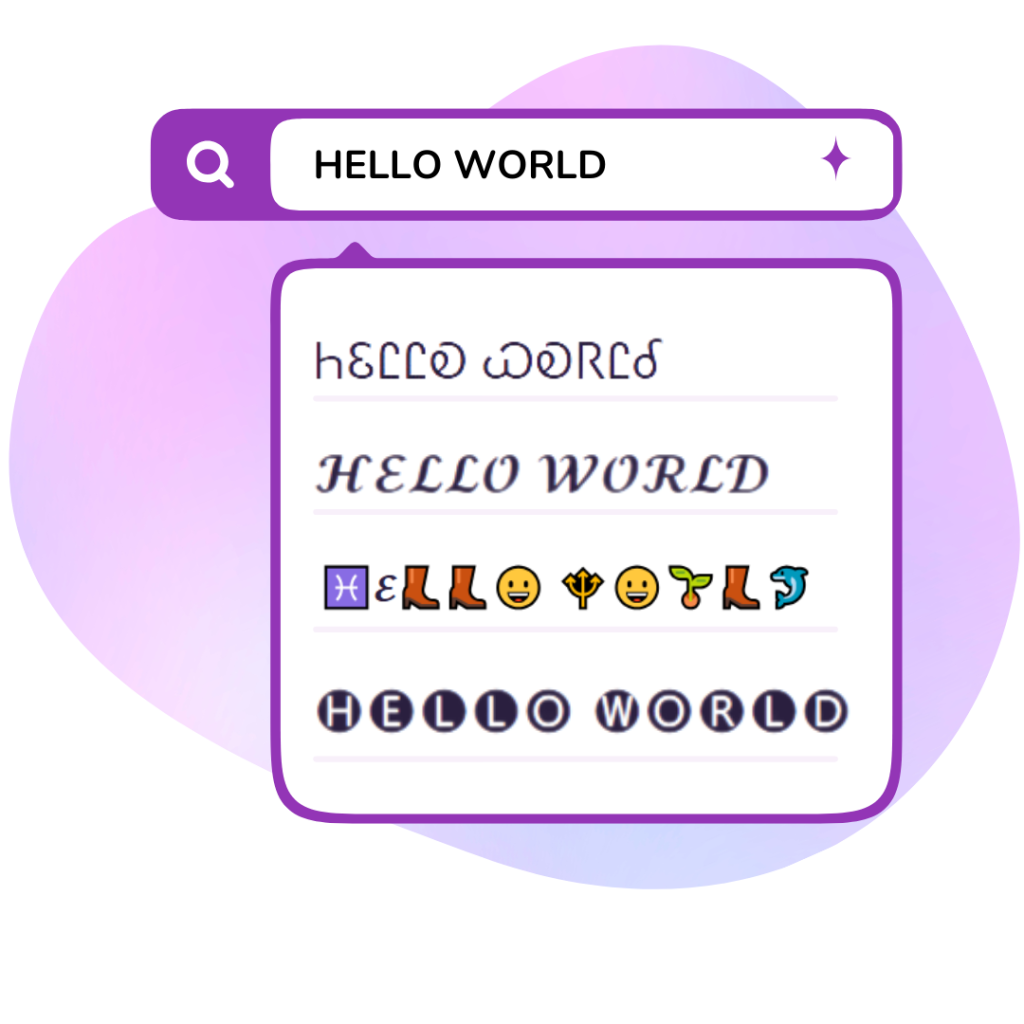
Create beautiful, aesthetic, and unique text styles instantly with our premium Unicode generator. Just type, copy, and paste anywhere.
Generated Small Fonts Preview
No fonts found
Try adjusting your search or selecting a different category.
{StyleName}
{Category}How to Use the Small Text Generator
1
Type your text
Enter your text in the input box of our free small text generator.
2
Choose a mini style
Browse Small Caps, Tiny Text, Mini Subscript, and other miniature font styles.
3
Copy & paste for free
Click Copy on any small text style and paste it into Instagram bios, TikTok profiles, or anywhere you like — completely free.
Make Your Text Tiny & Eye-Catching with the Small Text Generator
Want to add a subtle, aesthetic touch to your social media profiles? The Small Text Generator at FreeAIToolsBox.com converts your regular text into miniature Unicode characters that look unique and eye-catching. Whether you need Small Caps (ᴬᴮᶜ), Tiny Text (ᴀʙᴄ), or Micro Superscript (ᵃᵇᶜ), our tool generates them instantly.
Small text is perfect for creating minimalist Instagram bios, aesthetic TikTok display names, or compact Discord usernames. Since these are Unicode characters — not images or special formatting — they work everywhere and display correctly on all devices. Simply type, pick your favorite mini style, copy, and paste.
Looking for even more creative styles? Try our Aesthetic Text Generator for vaporwave and fullwidth fonts, or explore our Cute Text Generator for kawaii-inspired designs.
Where Can You Use Small & Tiny Text?
Small and tiny text styles generated by our tool are versatile and work across many platforms:
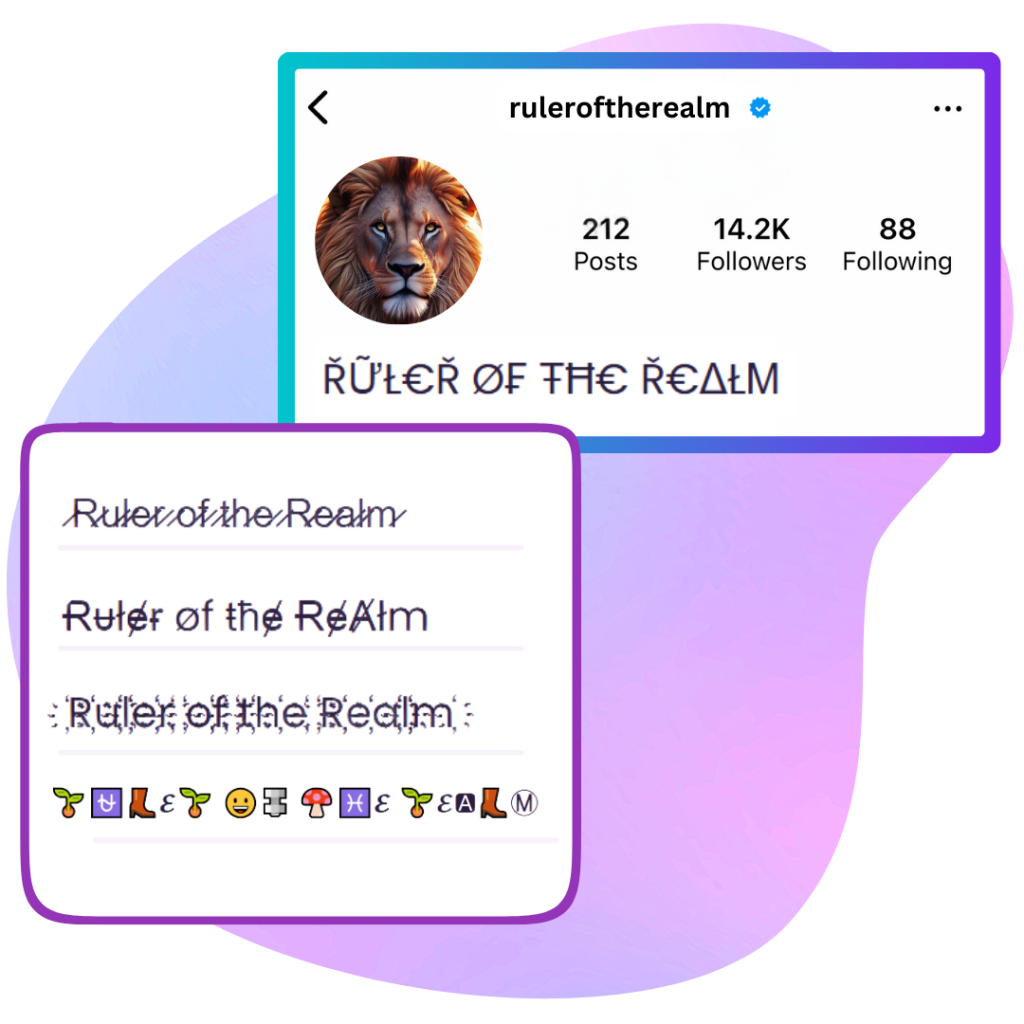
- Instagram Bios: Create a minimalist, aesthetic profile with tiny text that stands out from standard fonts.
- TikTok Display Names: Use small caps or superscript for a unique, compact look in your profile name.
- Discord Nicknames: Make your username distinctive with mini-sized Unicode characters.
- WhatsApp & Messenger: Send messages with tiny text for a fun, creative twist in group chats.
Small Text Styles Explained: Which One Should You Choose?
- Small Caps (ᴬᴮᶜ): Modifier letter characters that appear raised and petite — ideal for elegant, minimalist bios.
- Tiny Text (ᴀʙᴄ): Small capital Unicode characters at lowercase height — great for compact, aesthetic display names.
- Mini Subscript (ₐₑₒ): Characters positioned below the baseline — perfect for scientific or footnote-style text.
- Micro Superscript (ᵃᵇᶜ): Raised characters — excellent for creating exponent-like or annotation text.
For more text transformations, explore our Decorative Text Generator for strikethrough and underlined effects, or try the Bubble Text Generator for enclosed letter styles.
Tiny Font & Small Text Generator Examples
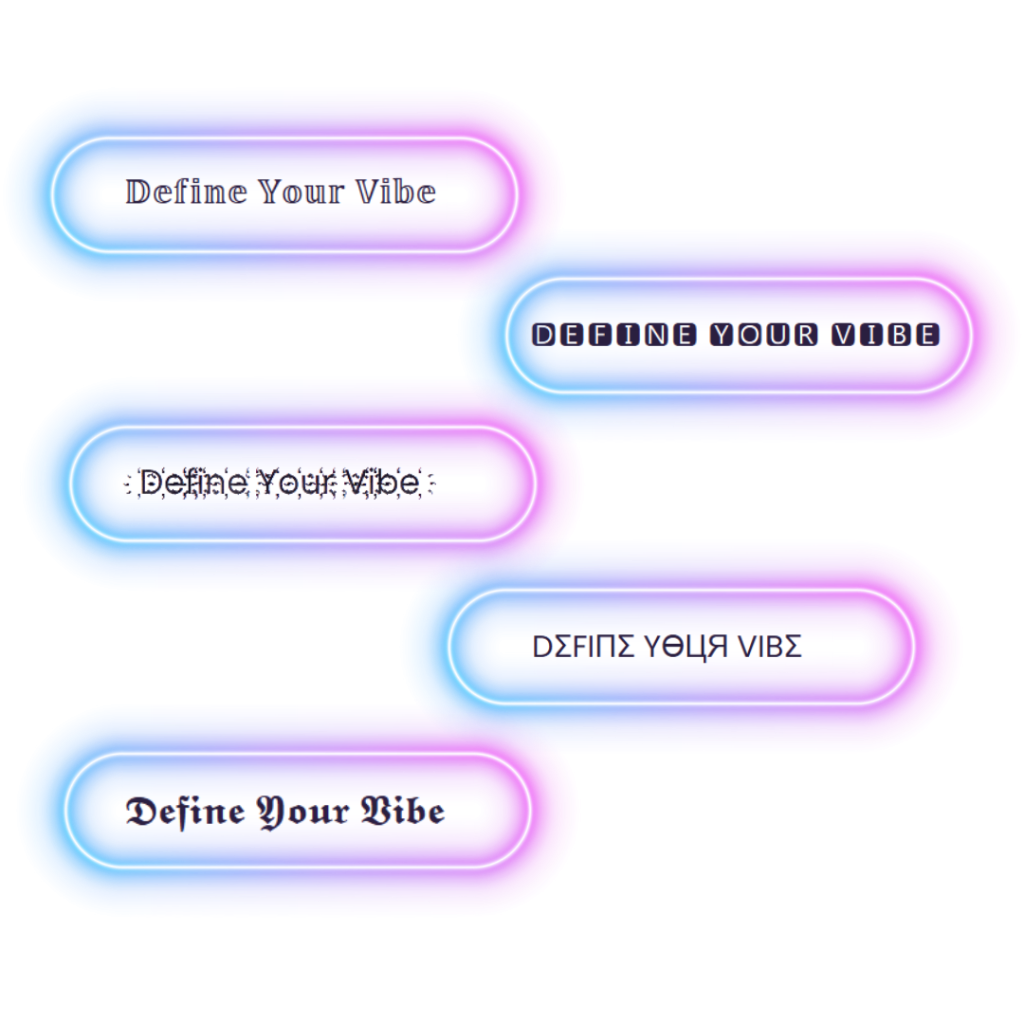
Compare standard keyboard letters with our instant tiny font generator styles. These Unicode characters work across all modern browsers and apps:
| Normal Text | Small Caps (ᴀʙᴄ) | Superscript Tiny (ᵃᵇᶜ) | Subscript Mini (ₐᵦ𝒸) |
|---|---|---|---|
| hello world | ʜᴇʟʟᴏ ᴡᴏʀʟᴅ | ʰᵉˡˡᵒ ʷᵒʳˡᵈ | ₕₑₗₗₒ 𝓌ₒᵣₗ𝒹 |
| instagram bio | ɪɴsᴛᴀɢʀᴀᴍ ʙɪᴏ | ⁱⁿˢᵗᵃᵍʳᵃᵐ ᵇⁱᵒ | ᵢₙₛₜₐ𝓰ᵣₐₘ ᵦᵢₒ |
| discord user | ᴅɪsᴄᴏʀᴅ ᴜsᴇʀ | ᵈⁱˢᶜᵒʳᵈ ᵘˢᵉʳ | 𝒹ᵢₛ𝒸ₒᵣ𝒹 ᵤₛₑᵣ |
| copy and paste | ᴄᴏᴘʏ ᴀɴᴅ ᴘᴀsᴛᴇ | ᶜᵒᵖʸ ᵃⁿᵈ ᵖᵃˢᵗᵉ | 𝒸ₒₚᵧ ₐₙ𝒹 ₚₐₛₜₑ |
Frequently Asked Questions
1. Will this tiny text work on my iPhone and Android?
Yes, absolutely! The small text generator does not rely on downloadable font files. It converts your words into native Unicode characters. This means the tiny fonts you generate will display perfectly on both iOS and Android devices without the recipient needing to install anything.
2. What is the difference between small caps and superscript tiny text?
Our tool offers different variations. Small caps (ᴀʙᴄ) are capital letters scaled down to the height of lowercase letters. Superscript (ᵃᵇᶜ) is true tiny text that floats near the top of the line, while Subscript (ₐᵦ𝒸) floats at the bottom of the line.
3. Can I use small text fonts for my Discord username?
Yes! Gamers and community members often use our small text copy paste tool to create sleek, aesthetic usernames for Discord and Steam. Simply generate the text, hit copy, and update your server nickname.
Explore More Stylish Fonts
Ready to try something new? Head back to the Stylish Fonts Generator Hub to view all our tools, or pair your tiny fonts with designs from the Aesthetic Text Generator.