
Italics Generator
Convert normal words into true mathematical italic script. Copy and paste slanted serif and sans-serif letters into Instagram, Twitter, and documents.
Generated Italics Fonts Preview
No fonts found
Try adjusting your search or selecting a different category.
Platform Rules, Compatibility & Safety Playbooks
Italics Generator – Instant Copy and Paste Slanted Italic Text (Serif & Sans)
FreeAIToolsBox’s Italics Generator transforms standard keyboard letters into high-visibility Unicode Symbols. Unlike downloadable font files (.TTF or .OTF) that require local software installation, these characters are universally recognized Unicode symbols. Copy and paste them directly into Instagram bios, TikTok captions, Twitter (X), WhatsApp messages, and gaming profiles with 100% visual fidelity across iOS, Android, macOS, and Windows.
What Is the Italics Generator?
The Italics Generator on FreeAIToolsBox is a dedicated, real-time typography utility designed to transcode your everyday ASCII characters into stylized Unicode glyphs. Whether you are aiming to customize your social media presence, design a memorable gaming identity, or highlight key metrics, our tool delivers instantaneous conversions with 100% copy-and-paste compatibility across all major operating systems.
Unlike outdated software that requires downloading third-party keyboard utilities or installing font files on your device, this generator operates entirely within your browser using native UTF-8 character sets. Simply enter your text above, choose the aesthetic that matches your style, and copy it directly to your clipboard.
How to Use FreeAIToolsBox’s Italics Generator
Type Your Words
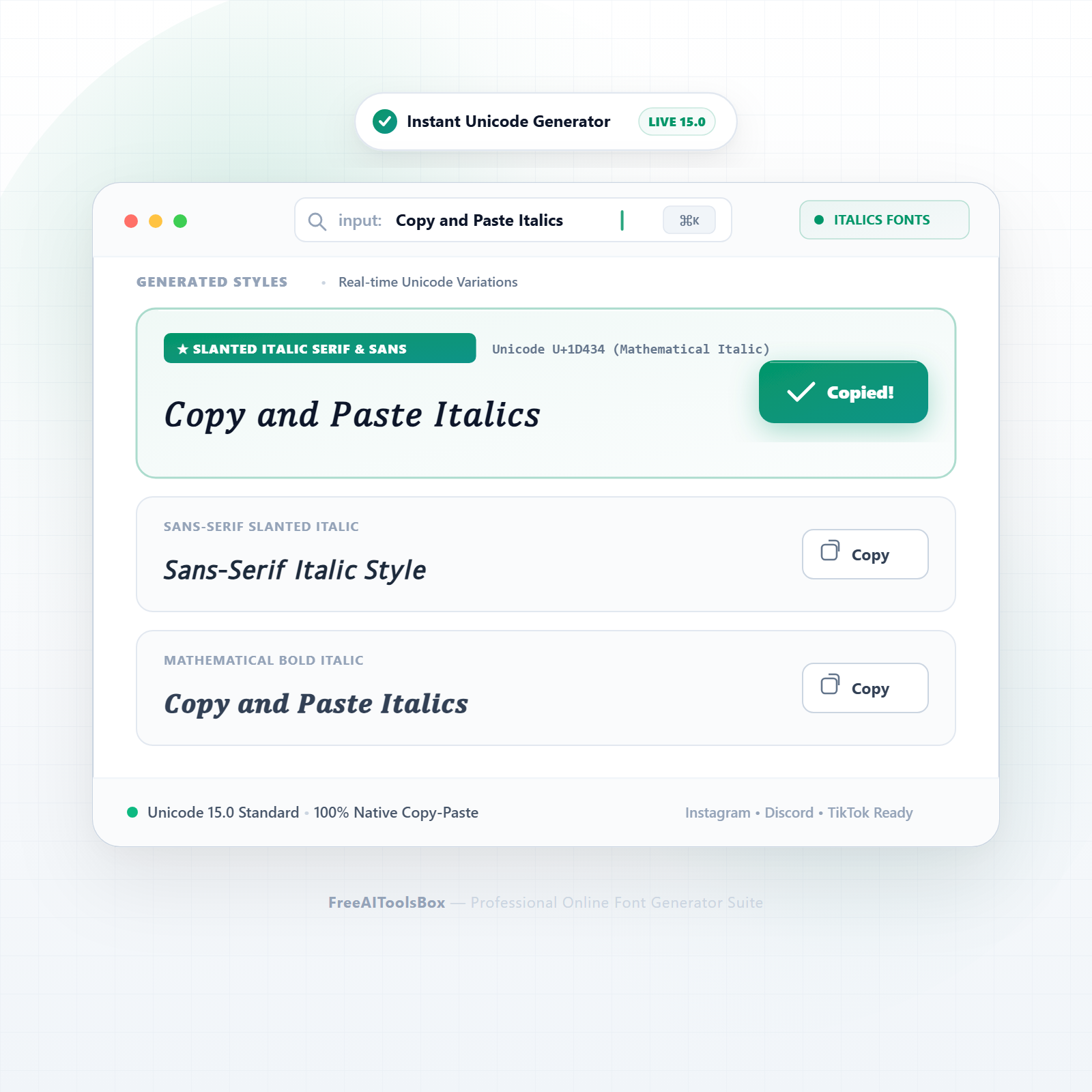
Input any letters, numbers, or phrases into the generator box at the top of the page. The conversion engine translates your text in real time with zero latency.
Pick Your Style
Browse through the generated list of variations. Compare typographic weights, stylistic flourishes, and symbol embellishments to find your favorite look.
1-Click Copy & Paste
Click the green “Copy” button on your selected card. Your styled text is immediately saved to your device clipboard, ready to paste anywhere.
Italics Generator Examples & Style Comparison
Explore a sample breakdown of how standard text transforms across the most popular styles available in this generator:
| Style Variant | Standard Input | Transformed Output | Typographic Profile |
|---|---|---|---|
| Mathematical Italic (Serif) | Copy and Paste Italics | 𝐶𝑜𝑝𝑦 𝑎𝑛𝑑 𝑃𝑎𝑠𝑡𝑒 𝐼𝑡𝑎𝑙𝑖𝑐𝑠 | Classic bookish italic font with elegant Renaissance serifs |
| Mathematical Bold Italic | Copy and Paste Italics | 𝑪𝒐𝒑𝒚 𝒂𝒏𝒅 𝑷𝒂𝒔𝒕𝒆 𝑰𝒕𝒂𝒍𝒊𝒄𝒔 | High-emphasis weighted italics for important announcements |
| Sans-Serif Italic | Copy and Paste Italics | 𝘊𝘰𝘱𝘺 𝘢𝘯𝘥 𝘗𝘢𝘴𝘵𝘦 𝘐𝘵𝘢𝘭𝘪𝘤𝑠 | Modern clean slanted letters, ideal for UI and social bios |
| Sans-Serif Bold Italic | Copy and Paste Italics | 𝘾𝙤𝙥𝙮 𝙖𝙣𝙙 𝙋𝙖𝙨𝙩𝙚 𝙄𝙩𝙖𝙡𝙞𝙘𝙨 | Strong modern slanted font for captions and headlines |
| Formal Script Italic | Copy and Paste Italics | 𝒞𝑜𝓅𝓎 𝒶𝓃𝒹 𝒫𝒶𝓈𝓉𝑒 𝐼𝓉𝒶𝓁𝒾𝒸𝓈 | Handwritten cursive calligraphy italics |
| Bold Formal Script | Copy and Paste Italics | 𝓒𝓸𝓹𝔂 𝓪𝓷𝓭 𝓟𝓪𝓼𝓽𝓮 𝓘𝓽𝓪𝓵𝓲𝓬𝓼 | Calligraphic flourishing script with heavy strokes |
| Italic Underlined | Copy and Paste Italics | 𝐶̲𝑜̲𝑝̲𝑦̲ ̲𝑎̲𝑛̲𝑑̲ ̲𝑃̲𝑎̲𝑠̲𝑡̲𝑒̲ | Slanted italic characters paired with baseline underline |
| Slanted Monospace | copy and paste | 𝘤𝘰𝘱𝘺 𝘢𝘯𝘥 𝘱𝘢𝘴𝘵𝘦 | Subtle coder-style italic slant for clean aesthetics |
Where Can You Use These Italics Generator Styles?
Instagram Bios & Stories
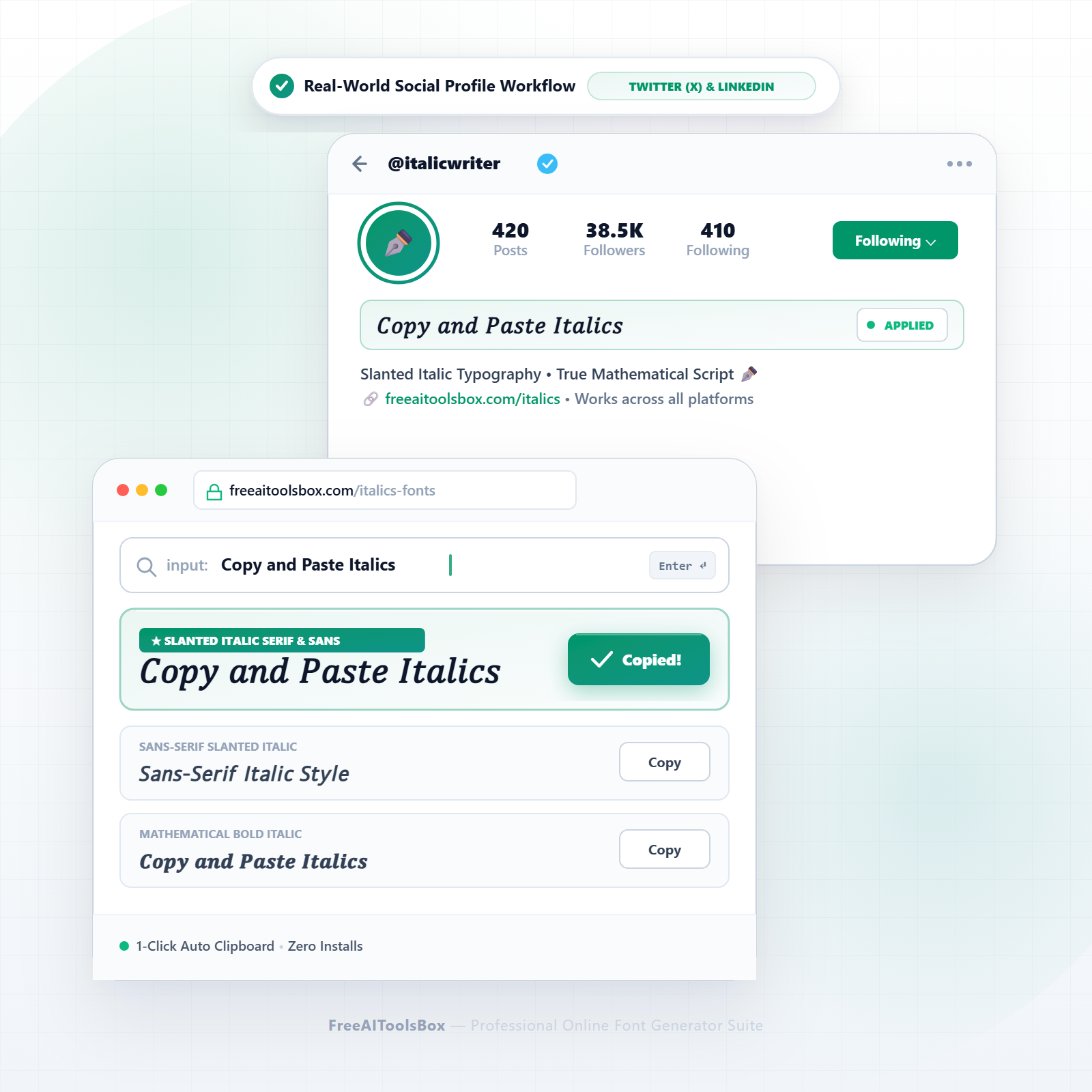
Upgrade your 150-character bio with sleek, eye-catching text. Highlight your niche, services, or personal brand without exceeding profile limits.
TikTok Profiles & Captions
Hook scrollers within the first 2 seconds of seeing your video description using prominent unicode styles and clear callouts.
Discord Servers & Channels
Organize your community rules, channel categories, and role announcements with visually differentiated headers and stylized names.
Gaming Handles & Clans
Stand out in PUBG Mobile, Free Fire, BGMI, and Roblox leaderboards with custom clan tags and decorated gamer pseudonyms.
Unicode Architecture: How These Glyphs Work
When you paste your styled text into social media or messaging platforms, you are not actually changing the cascading stylesheet (CSS) or font family of the target website. Instead, you are transmitting distinct Unicode code points.
The Unicode Worldwide Character Standard allocates thousands of specific numerical code points in the Supplementary Multilingual Plane (Plane 1, U+10000–U+1FFFF) for mathematical alphanumeric symbols, enclosed alphanumerics, and decorative forms. Because all modern web browsers, iOS, Android, and Windows systems incorporate universal fallback fonts (such as Apple Color Emoji, Segoe UI Symbol, and Noto), these characters render cleanly across almost every digital screen in existence.
Web Accessibility & Screen Reader Best Practices
To ensure your profiles remain inclusive and easy to read for users with visual impairments who rely on screen readers (like VoiceOver or TalkBack), follow these guidelines:
Recommended Practice (✓ Do)
- ✓Use styled fonts for single words, names, or short headlines.
- ✓Keep crucial contact details (emails, phone numbers) in standard plain text.
- ✓Pair your stylish text with natural language descriptions in your bio.
Accessibility Risk (✗ Don’t)
- ×Do not format entire 500-word articles or long descriptions in unicode styles.
- ×Do not write URLs or website domains in fancy font glyphs as links may break.
- ×Avoid excessive combining accents (Zalgo) that clutter mobile text readability.
Explore All 28 Stylish Font Generators
Looking for another typographic style or specialized character set? Browse our complete suite of free text utilities:
Frequently Asked Questions
Find answers to common questions about generating, copying, and styling Unicode text across social media and digital platforms:
Q01 How do I generate italic text for Twitter, Instagram, or Facebook without HTML tags?
Social media platforms strip standard HTML tags like <i> and <em>. By inputting your text into our italics generator, your letters are transformed into Unicode Mathematical Italic glyphs that paste directly into tweets, bios, and posts as raw characters.
Q02 What is the difference between serif italics and sans-serif italics?
Serif italics (such as 𝐶𝑜𝑝𝑦) mimic traditional book typography with small decorative terminal strokes, evoking literary elegance. Sans-serif italics (such as 𝘊𝘰𝘱𝘺) use clean, unornamented geometries favored in modern digital branding.
Q03 How does the italics generator create slanted letters using Unicode?
The tool matches ASCII characters to mathematical symbols in Unicode Plane 1 (codepoints U+1D434–U+1D467). These characters were originally cataloged for mathematical and scientific publishing and are universally supported by all modern operating systems.
Q04 Can I use italic Unicode font in my LinkedIn headline or summary?
Yes. Professionals commonly use slanted italics in LinkedIn profile headlines to emphasize job titles, key certifications, or notable accomplishments to stand out in recruiter search results.
Q05 Will italic text copy and paste into WhatsApp without using underscores?
Yes. While WhatsApp allows in-chat italics by surrounding words with underscores (_italic_), that formatting fails in user About sections and contact names. True Unicode italics stay slanted permanently everywhere.
Q06 Can screen readers and assistive technology read mathematical italic text?
Modern screen readers (VoiceOver, TalkBack, NVDA) read Unicode mathematical italics with their technical descriptors. For digital accessibility compliance, reserve italic unicode for short titles, names, and emphasis rather than whole essays.
Q07 What are Mathematical Alphanumeric Symbols and why are italics located there?
The Unicode Consortium designated block U+1D400–U+1D7FF for mathematical constants where typographic style carries distinct semantic meaning (e.g., italic x denoting a variable). This allows browser copy-paste without font files.
Q08 Why don’t Twitter, Instagram, and TikTok have native italic formatting buttons?
These platforms prioritize plain text to maintain uniform UI performance and prevent arbitrary layout styling. Unicode characters provide the only reliable method to introduce italic styling into their text inputs.
Q09 Will italic font paste properly into Google Docs, Word, and PowerPoint?
Yes. When pasted into office software, the characters are recognized as distinct Unicode glyphs and retain their italic slant regardless of whether the document font possesses an italic font-weight.
Q10 Can I use italic fonts for book titles, citations, and emphasis in blog posts?
Yes. Writers and content creators frequently use italic Unicode text to cite publication titles, foreign phrases, and quotes in social snippets where markdown or rich-text formatting is unavailable.
Q11 How do I copy and paste italic font on mobile (iOS and Android)?
Type your phrase into the tool, tap the “Copy” button on the desired italic style, switch to your target app, tap and hold the input field, and select “Paste”.
Q12 Why does the letter ‘h’ or ‘e’ sometimes look slightly different in italic unicode?
In the Unicode standard, mathematical italic ‘h’ corresponds to Planck’s constant (U+210E ℎ) in the Letterlike Symbols block, which may render in a subtly different system fallback typeface on certain operating systems.
Q13 Are italic fonts allowed in Discord usernames and channel topics?
Yes. Discord supports Unicode alphanumeric symbols across channel descriptions, server announcements, user bios, and status messages.
Q14 Does italic unicode text impact search engine indexing (SEO)?
Major search engines like Google normalize common mathematical alphanumeric Unicode characters to their base ASCII equivalents during crawling, but for primary webpage titles and body content, standard HTML formatting is best.
Q15 What is bold italic and when should I use it over regular italic?
Bold italic combines slant with increased typographical stroke weight (such as 𝑪𝒐𝒑𝒚). Use it when you need urgent emphasis, promotional callouts, or high-contrast headlines in crowded social feeds.
Q16 Is the FreeAIToolsBox italics generator free to use?
Yes, it is 100% free with instant 1-click clipboard copying, unlimited usage, and zero software downloads.