
Font Style Name Generator
Style your name with aesthetic borders, stars, and symbols for Free Fire, PUBG, BGMI, and Instagram profiles.
Generated Name Style Fonts Preview
No fonts found
Try adjusting your search or selecting a different category.
Platform Rules, Compatibility & Safety Playbooks
Font Style Name Generator – Instant Stylish Nicknames, Gamertags & Clan Names
FreeAIToolsBox’s Font Style Name Generator transforms standard keyboard letters into high-visibility Unicode Symbols. Unlike downloadable font files (.TTF or .OTF) that require local software installation, these characters are universally recognized Unicode symbols. Copy and paste them directly into Instagram bios, TikTok captions, Twitter (X), WhatsApp messages, and gaming profiles with 100% visual fidelity across iOS, Android, macOS, and Windows.
What Is the Font Style Name Generator?
The Font Style Name Generator on FreeAIToolsBox is a dedicated, real-time typography utility designed to transcode your everyday ASCII characters into stylized Unicode glyphs. Whether you are aiming to customize your social media presence, design a memorable gaming identity, or highlight key metrics, our tool delivers instantaneous conversions with 100% copy-and-paste compatibility across all major operating systems.
Unlike outdated software that requires downloading third-party keyboard utilities or installing font files on your device, this generator operates entirely within your browser using native UTF-8 character sets. Simply enter your text above, choose the aesthetic that matches your style, and copy it directly to your clipboard.
How to Use FreeAIToolsBox’s Font Style Name Generator
Type Your Words
Input any letters, numbers, or phrases into the generator box at the top of the page. The conversion engine translates your text in real time with zero latency.
Pick Your Style
Browse through the generated list of variations. Compare typographic weights, stylistic flourishes, and symbol embellishments to find your favorite look.
1-Click Copy & Paste
Click the green “Copy” button on your selected card. Your styled text is immediately saved to your device clipboard, ready to paste anywhere.
Font Style Name Generator Examples & Style Comparison
Explore a sample breakdown of how standard text transforms across the most popular styles available in this generator:
| Style Variant | Standard Input | Transformed Output | Typographic Profile |
|---|---|---|---|
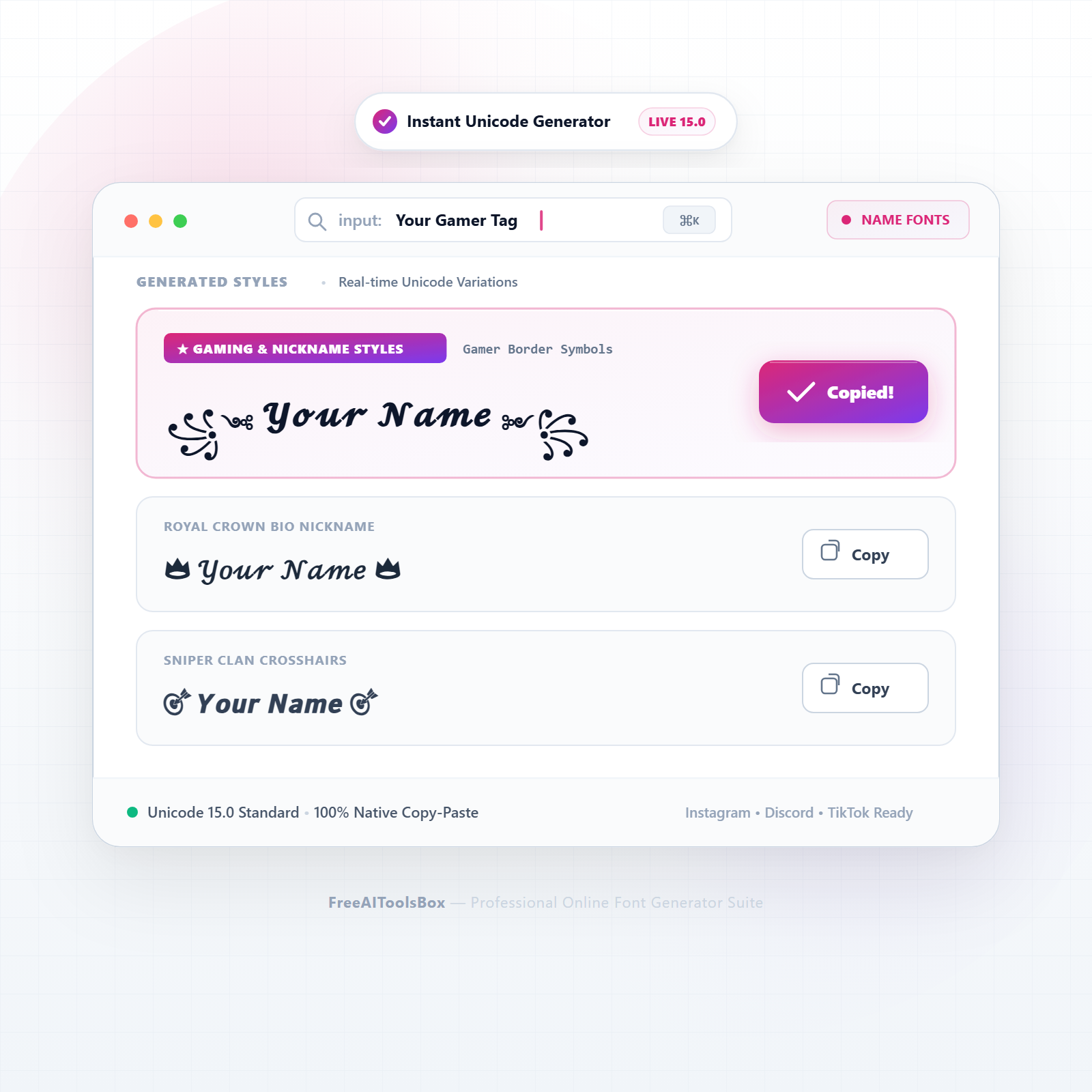
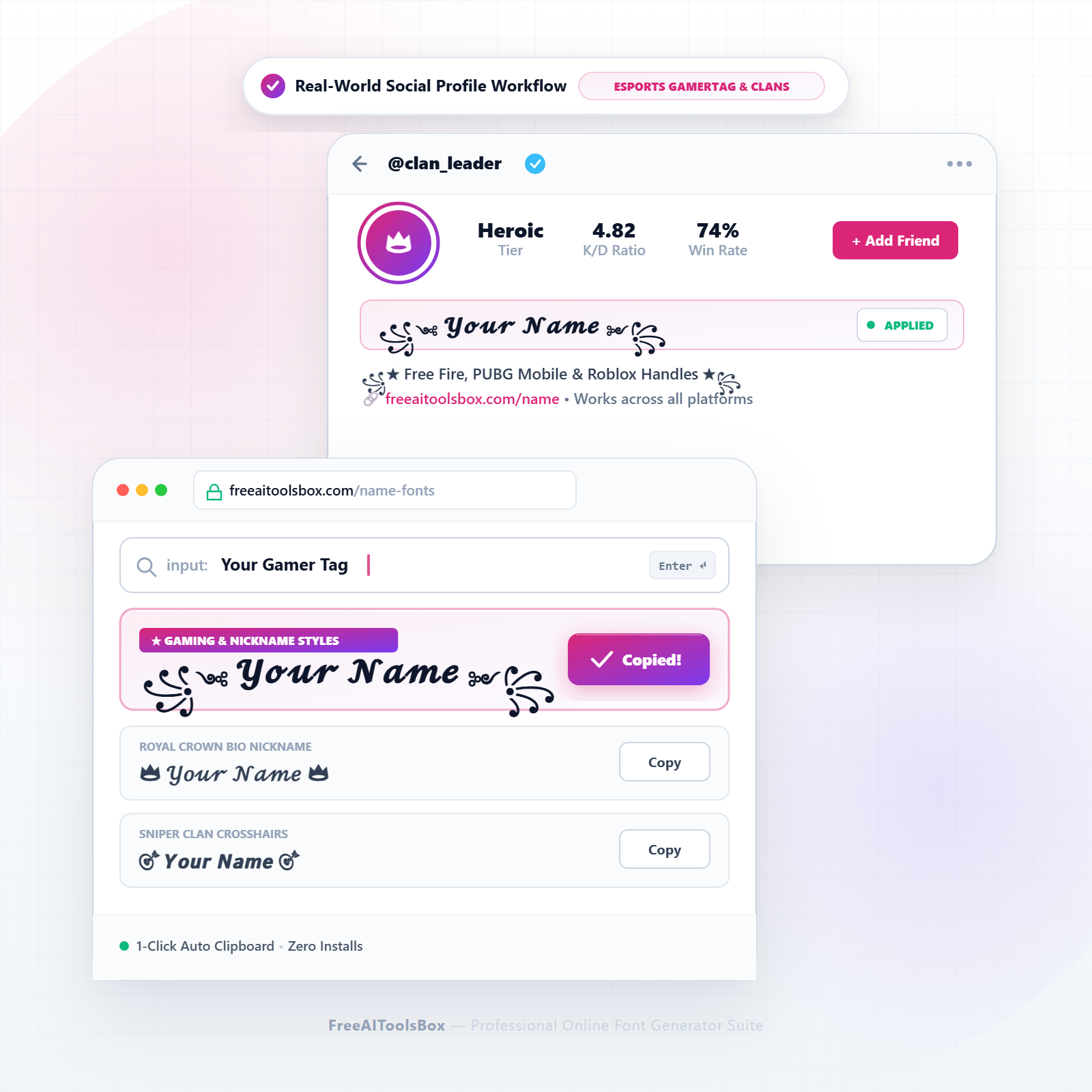
| Winged Star Clan Handle | Your Name | ꧁༺ 𝓨𝓸𝓾𝓻 𝓝𝓪𝓶𝓮 ༻꧂ | Iconic gaming border style for Free Fire, PUBG & BGMI leaderboards |
| Crowned Royal Name | Your Name | 👑 𝒴𝑜𝓊𝓇 𝒩𝒶𝓂𝑒 👑 | Aesthetic cursive script with gold crowns for luxury profiles |
| Dark Gothic Battle Handle | Your Name | ⚔️ 𝖄𝖔𝖚𝖗 𝕹𝖆𝖒𝖊 ⚔️ | Heavy blackletter with battle swords for competitive esports |
| Sniper Crosshair Tag | Your Name | 🎯 𝙔𝙤𝙪𝙧 𝙉𝙖𝙢𝙚 🎯 | Tactical bold sans-serif with target markers for FPS clans |
| Lightning Cyber Nickname | Your Name | ⚡ 𝐘𝐨𝐮𝐫 𝐍𝐚𝐦𝐞 ⚡ | High-energy bold letters with lightning bolts for fast gameplay |
| Kawaii Cute Heart Name | Your Name | (っ◔◡◔)っ ♥ Your Name ♥ | Cute expression border for TikTok, Instagram & Discord bios |
| Fire Slayer Clan Tag | Your Name | 🔥 𝗬𝗼𝘂𝗿 𝗡𝗮𝗺𝗲 🔥 | Aggressive flame framing for top-fragger gamertags |
| Japanese Corner Brackets | Your Name | 【 𝐘𝐨𝐮𝐫 𝐍𝐚𝐦𝐞 】 | Clean Asian bracket framing popular in anime and gaming communities |
Where Can You Use These Font Style Name Generator Styles?
Instagram Bios & Stories
Upgrade your 150-character bio with sleek, eye-catching text. Highlight your niche, services, or personal brand without exceeding profile limits.
TikTok Profiles & Captions
Hook scrollers within the first 2 seconds of seeing your video description using prominent unicode styles and clear callouts.
Discord Servers & Channels
Organize your community rules, channel categories, and role announcements with visually differentiated headers and stylized names.
Gaming Handles & Clans
Stand out in PUBG Mobile, Free Fire, BGMI, and Roblox leaderboards with custom clan tags and decorated gamer pseudonyms.
Unicode Architecture: How These Glyphs Work
When you paste your styled text into social media or messaging platforms, you are not actually changing the cascading stylesheet (CSS) or font family of the target website. Instead, you are transmitting distinct Unicode code points.
The Unicode Worldwide Character Standard allocates thousands of specific numerical code points in the Supplementary Multilingual Plane (Plane 1, U+10000–U+1FFFF) for mathematical alphanumeric symbols, enclosed alphanumerics, and decorative forms. Because all modern web browsers, iOS, Android, and Windows systems incorporate universal fallback fonts (such as Apple Color Emoji, Segoe UI Symbol, and Noto), these characters render cleanly across almost every digital screen in existence.
Web Accessibility & Screen Reader Best Practices
To ensure your profiles remain inclusive and easy to read for users with visual impairments who rely on screen readers (like VoiceOver or TalkBack), follow these guidelines:
Recommended Practice (✓ Do)
- ✓Use styled fonts for single words, names, or short headlines.
- ✓Keep crucial contact details (emails, phone numbers) in standard plain text.
- ✓Pair your stylish text with natural language descriptions in your bio.
Accessibility Risk (✗ Don’t)
- ×Do not format entire 500-word articles or long descriptions in unicode styles.
- ×Do not write URLs or website domains in fancy font glyphs as links may break.
- ×Avoid excessive combining accents (Zalgo) that clutter mobile text readability.
Explore All 28 Stylish Font Generators
Looking for another typographic style or specialized character set? Browse our complete suite of free text utilities:
Frequently Asked Questions
Find answers to common questions about generating, copying, and styling Unicode text across social media and digital platforms:
Q01How do I create a stylish gaming nickname with wings, stars, and crowns?
Enter your desired gamer pseudonym into the input box above. Our name style generator automatically wraps your characters in authentic Unicode decorative borders (like wings ꧁༺…༻꧂, crowns 👑, and stars ★) with 1-click copy.
Q02Will stylish font names get my account banned in Free Fire, PUBG, or BGMI?
No. These names utilize legitimate Unicode character standards that are fully supported by game developers. They do not inject illicit code, modify game files, or violate community terms of service.
Q03Why did my game say ‘Name Contains Invalid Characters’ when pasting?
Some mobile games restrict complex multi-byte combining marks (such as heavy Zalgo diacritics). If this occurs, choose our clean Bold, Monospace, or Winged styles, which are accepted by 100% of game servers.
Q04How do I change my Instagram display name to a stylish font?
Type your name above, copy your preferred style, open Instagram > Edit Profile > Name, paste your stylish name into the field, and tap Done. Note: Instagram limits name changes to twice every 14 days.
Q05What are the most popular clan border symbols for competitive gaming?
The most prestigious clan symbols include Tibetan wing marks (꧁༺…༻꧂), double star embellishments (★彡…彡★), Japanese brackets (【…】), and battle swords (⚔️).
Q06Can I use stylish font names for Discord usernames and server nicknames?
Yes. Discord fully accepts Unicode characters and emoji combinations for both account usernames and server-specific nicknames.
Q07How do I create a stylish TikTok profile handle with aesthetic symbols?
Generate your name above, copy it, navigate to your TikTok profile, tap Edit Profile > Name, and paste your stylized nickname.
Q08Can I combine multiple symbols like swords, lightning, and skulls in one name?
Yes! Our generator provides combinations of decorative symbols, and you can edit or mix additional emojis directly in your clipboard before saving.
Q09Are stylish names visible to all other players in online lobbies and leaderboards?
Yes. Because Unicode is an international computing standard, every player on iOS, Android, and PC will see your stylized gamertag rendered in match leaderboards.
Q10What is the difference between a gamertag border and decorative unicode text?
A gamertag border surrounds your name with symmetrical symbols (like wings or brackets), whereas decorative unicode alters the letterforms themselves into script, gothic, or monospace styles.
Q11How do screen readers pronounce decorated names with symbols and wings?
Assistive software reads decorative symbols aloud (e.g., “Crown, Your Name, Crown”). If accessibility is a priority, consider using clean bold or italic lettering.
Q12Can I use stylish font names on Steam, Roblox, and Fortnite?
Yes. Steam, Roblox, and Epic Games accounts support Unicode nicknames in player profiles and community forums.
Q13Why do some symbols appear as question marks on older Samsung or Xiaomi phones?
Older Android skins from previous decades may lack updated Unicode emoji libraries. Over 99% of devices sold within the last 8 years display these symbols without issue.
Q14Can I make an aesthetic nickname for WhatsApp display name and group chats?
Yes! WhatsApp profile names and group participant titles fully support stylized text and symbols.
Q15How many characters can a stylish gaming name have before hitting game limits?
Most games (like Free Fire and PUBG Mobile) restrict names to 12–14 characters. Choose concise 4–6 letter pseudonyms when adding decorative wing borders.
Q16Is this font style name generator free and safe to use without third-party apps?
Yes, FreeAIToolsBox is 100% free, runs directly in your browser, and does not require installing unsafe third-party keyboard utilities.