
Cursive Fonts Generator
Create beautiful, aesthetic, and unique text styles instantly with our premium Unicode generator. Just type, copy, and paste anywhere.
Generated Cursive Fonts Preview
No fonts found
Try adjusting your search or selecting a different category.
{StyleName}
{Category}How to use FreeAIToolsBox’s Cursive Text Generator
1
Type your text
Type your text in English in our cursive text generator.
2
Pick your font style
Pick the font style you like most from our cursive text generator.
3
Copy & paste for free
Choose the style you like from our cursive text generator, click on copy and paste them on any platform for free.
Elevate Your Style with the Cursive Font Generator
Love exploring new fonts? Add a touch of elegance and sophistication to your designs with the cursive font generator. This tool, also called the cursive letters generator, creates stunning cursive fonts that resemble beautifully connected handwriting but with a polished, digital finish.
Effortless Font Customization
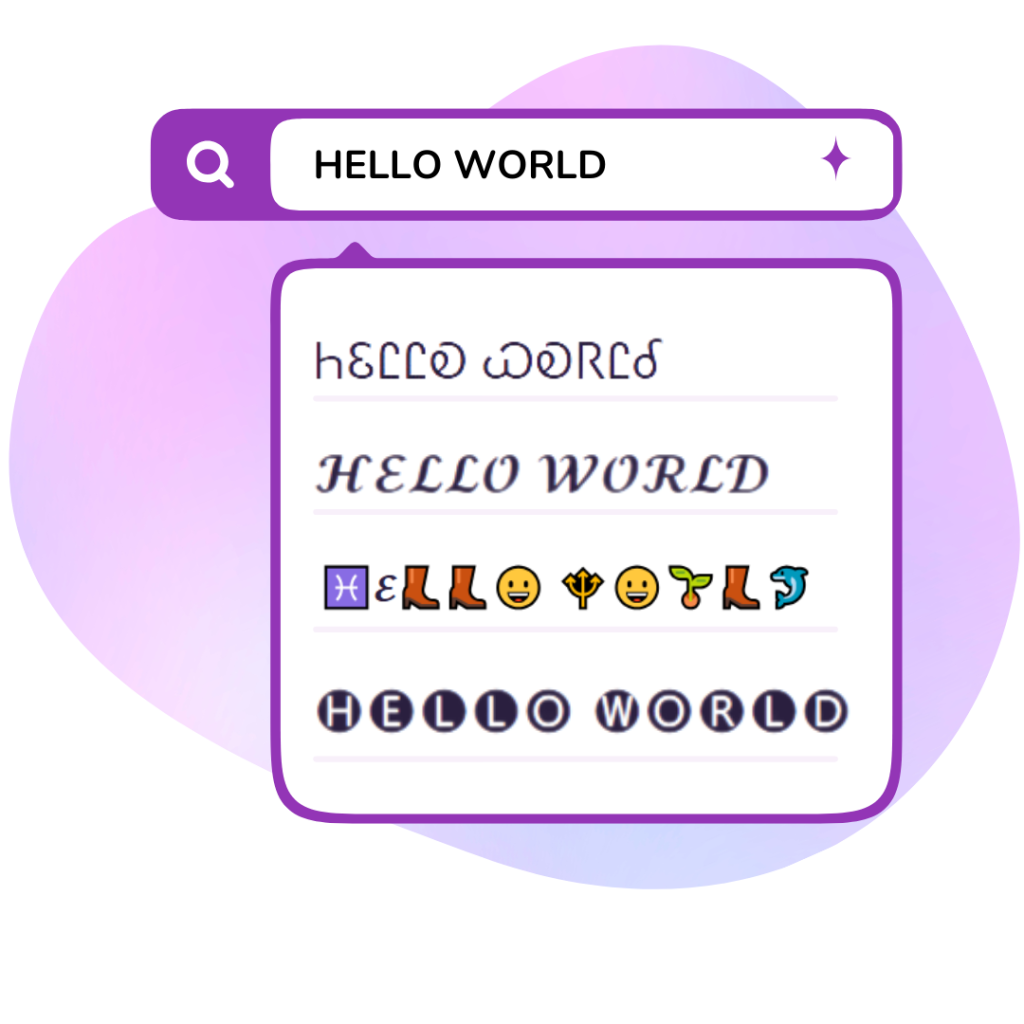
Using the cursive font generator is simple: type your message, click ‘generate,’ and instantly access your text in a graceful cursive style, ready to copy and paste. Whether it’s for social media, blogs, or creative projects, this tool makes it easy to elevate your designs with a classy touch.
Cross-Platform Compatibility
The cursive letters generator produces Unicode characters, ensuring your text looks perfect across devices and platforms. You can confidently use these fonts wherever you need a stylish and cohesive look.
Explore More Free Fonts
Want even more font options? Check out our free fonts section for downloadable styles to expand your creative toolkit.
Where Can You Use the Cursive Font Generator?
The cursive font generator is irresistibly fun and easy to use. It produces beautifully eye-catching text that’s perfect for adding a classy touch to your messages and designs. Once you try it, you’ll find endless opportunities to use it—and it’s even better when you share it with friends!
Enhance Your Online Interactions
Spruce up your chats and social media comments with cursive fonts. Copy and paste cursive text to instantly grab attention and stand out in conversations. You might even inspire others to ask where you found such stylish text!
Make Social Media Shine
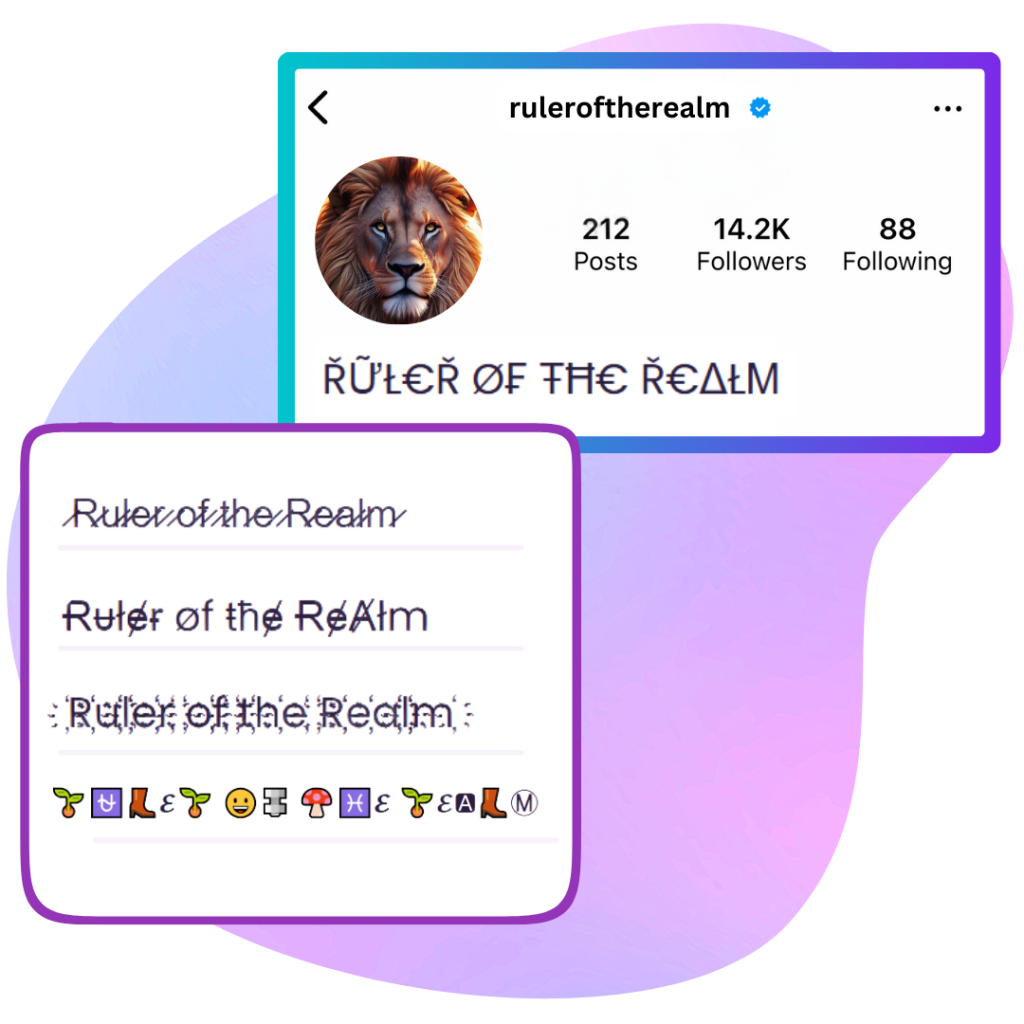
Transform your social media profiles with the elegant touch of cursive fonts. Use the cursive font generator to upgrade your Instagram bio, Facebook posts, TikTok captions, or YouTube covers and titles. These fonts are a quick way to elevate your online presence and leave a lasting impression.
Boost Your Website Appeal
Incorporate cursive fonts into your website design to make it more visually striking. Use the cursive font generator for landing page titles, blog headers, or any text that needs to stand out. It’s a simple yet effective way to add elegance and charm to your online space.
Personal and Professional Uses
The cursive font generator isn’t just for social media and websites. Use it to personalize your digital planners, calendars, and notebooks. If you’re creating e-certificates, cursive fonts offer a refined and professional touch that’s just a click away.
Explore the endless possibilities of the cursive font generator and bring a touch of class to everything you create!
How to Select the Perfect Cursive Font from the Cursive Font Generator
Cursive fonts are a great way to infuse elegance and sophistication into your designs. When used thoughtfully, the fonts generated by the cursive font generator can emphasize key information while enhancing the overall visual appeal of your layout.
Balance Your Design
For the best results, pair your cursive font with more subtle fonts to maintain balance and texture in your design.
- Serif Fonts: Pair cursive with serif fonts to create a refined and serious look. This combination works well for formal designs and professional projects.
- Sans Serif Fonts: If you’re aiming for a more casual and approachable vibe, match your cursive font with a clean sans serif style.
Experiment with Font Pairings
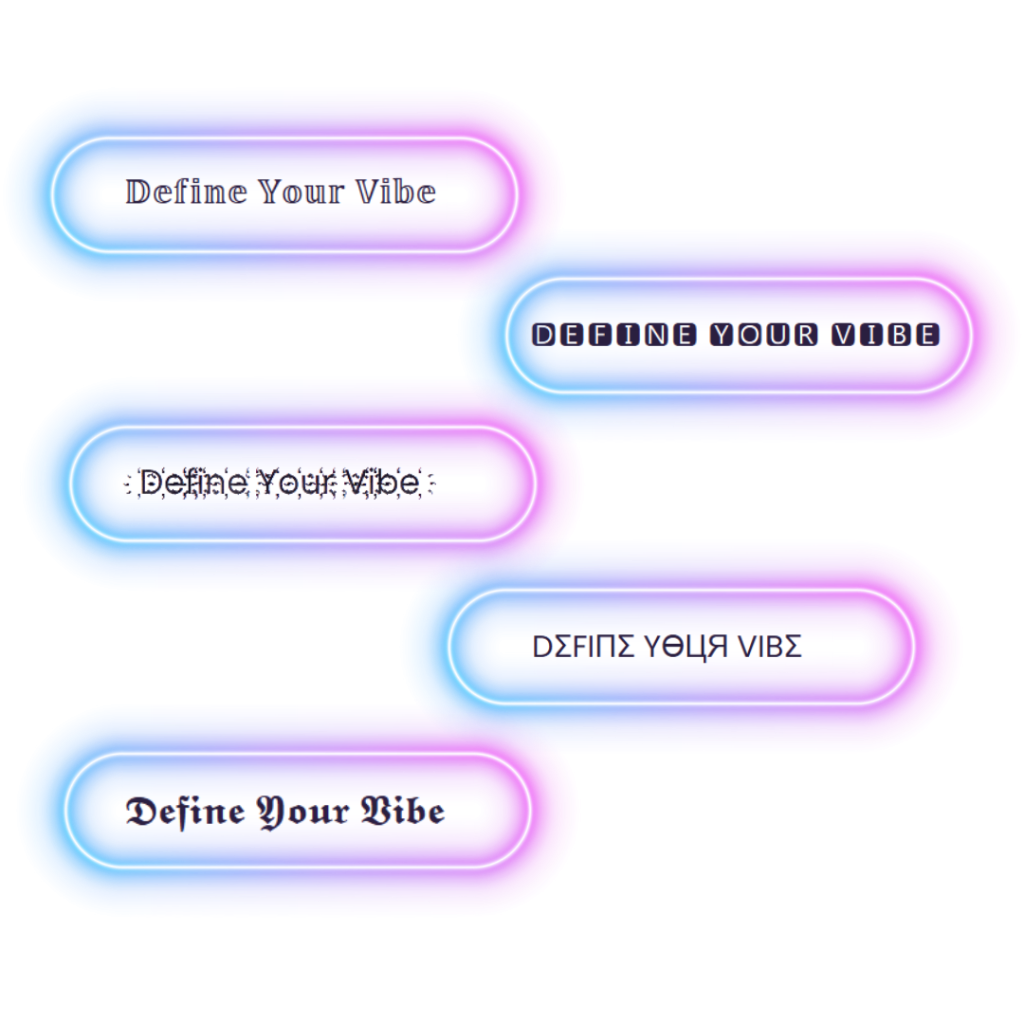
Font pairings can elevate your design and help convey the intended tone. With the cursive font generator, you can easily test different combinations until you find the perfect match. For even more inspiration, explore additional options with our fancy font generator.
By selecting the right cursive font and pairing it thoughtfully, you can create designs that are both visually appealing and impactful.
Cursive Text Generator Examples & Style Comparison
Compare standard keyboard letters with our instant cursive text generator copy and paste styles. These graceful handwritten script and bold calligraphy letters work across social media bios and signatures:
| Normal Text | Fluid Cursive (Copy & Paste) | Bold Cursive Calligraphy |
|---|---|---|
| Signature | 𝓈𝒾ℊ𝓃𝒶𝓉𝓊𝓇ℯ | 𝓼𝓲𝓰𝓷𝓪𝓽𝓾𝓻𝓮 |
| Love Letter | 𝓁ℴ𝓋ℯ 𝓁ℯ𝓉𝓉ℯ𝓇 | 𝓵𝓸𝓿𝓮 𝓵𝓮𝓽𝓽𝓮𝓇 |
| Sweet Dreams | 𝓈𝓌ℯℯ𝓉 𝒹𝓇ℯ𝒶𝓂𝓈 | 𝓼𝔀𝓮𝓮𝓽 𝓭𝓇𝓮𝒶𝓂𝓼 |
| Aesthetic Girl | 𝒶ℯ𝓈𝓉𝒽ℯ𝓉𝒾𝒸 ℊ𝒾𝓇𝓁 | 𝓪𝓮𝓼𝓽𝓱𝓮𝓽𝓲𝓬 𝓰𝓲𝓻𝓵 |
| Handwritten | 𝒽𝒶𝓃𝒹𝓌𝓇𝒾𝓉𝓉ℯ𝓃 | 𝓱𝓪𝓷𝓭𝔀𝓻𝓲𝓽𝓉𝓮𝓷 |
Frequently Asked Questions
1. How do I make my text look like cursive handwriting on social media?
Normal smartphone keyboards don’t have a cursive mode. Our cursive text generator automatically converts your typed letters into fluid handwritten cursive characters that you can copy and paste directly into bios, comments, or messages.
2. Can I use cursive text for digital signatures and email sign-offs?
Yes! Many people copy cursive text to create stylish signatures for email sign-offs, forum profiles, and greeting card messages.
3. Does cursive text display correctly on both iPhone and Android?
Yes, cursive characters are universally supported across iOS, Android, Windows, and Mac. Your cursive text will appear as graceful handwriting to anyone who reads it.
Explore More Stylish Fonts
Looking for a different aesthetic? Return to the main Stylish Fonts Generator Hub to browse all font styles, or explore the Fancy Text Generator and the Cute Text Generator.