
Mentimeter
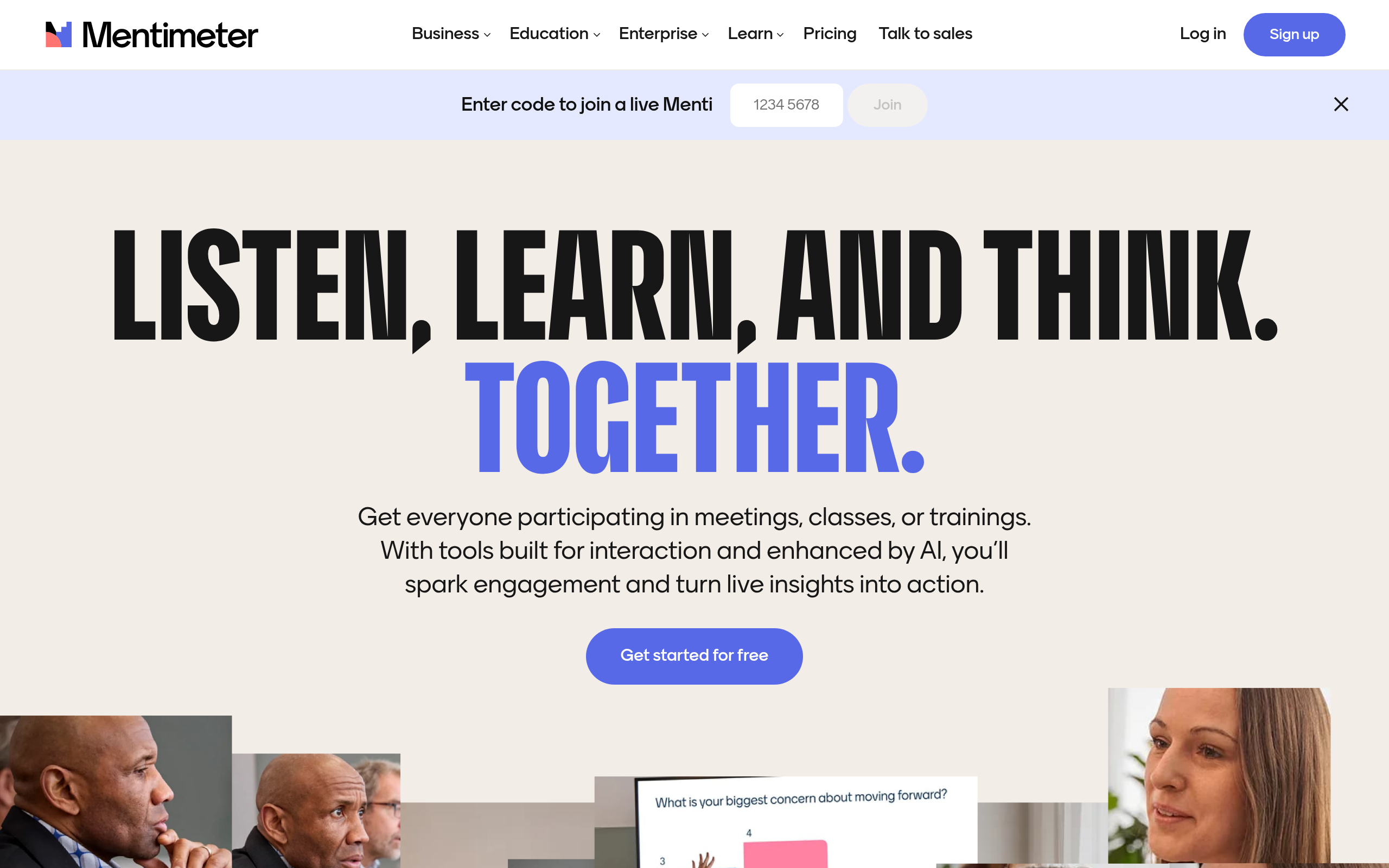
Mentimeter is a popular interactive presentation tool designed to boost audience engagement. It allows presenters to create dynamic sessions with live polls, quizzes, and real-time feedback.
Executive Summary
Mentimeter excels as an interactive presentation and audience engagement tool, successfully transforming static presentations into dynamic, feedback-rich experiences. It stands out for its user-friendliness and real-time polling capabilities, making it a valuable asset for educators and business professionals seeking to make presentations interactive with Mentimeter. While its advanced features are tiered, the core offering significantly boosts audience participation and understanding.
Quick Facts
Ease of Use
2.5/10
Level
Low
Beginner Friendly
Yes
Time to Master
1-2 hours
What is Mentimeter?
Mentimeter is a web-based platform that empowers users to create engaging and interactive presentations with real-time input from their audience. This innovative tool moves beyond traditional slides by allowing presenters to embed live polls, multiple-choice questions, word clouds, scales, and open-ended prompts directly into their content.
Participants can easily join a Mentimeter session using a unique code, link, or QR code via any mobile device, without requiring account creation. Responses are displayed instantly, enabling dynamic discussions and immediate feedback for both business and educational settings.
Key Features
- Interactive Question Types: Offers a variety of question formats including polls, quizzes, word clouds, and open-ended questions to gather diverse audience input.
- Real-time Audience Participation: Facilitates live interaction where audience responses are instantly displayed, enhancing engagement during presentations.
- Presentation Builder & Templates: Provides a user-friendly interface to create custom presentations and utilizes business-focused templates for quick setup.
- Slide Import Functionality: Allows users to import existing presentations from PowerPoint, Keynote, or PDF files, integrating interactive elements seamlessly.
- Data Export & Analytics: Enables presenters to download and analyze results in formats like Excel, offering insights from audience feedback.
- Q&A and Reactions: Includes dedicated Q&A tools, emoji reactions, and live comments for comprehensive audience interaction.
Pricing Breakdown
| Plan | Price | Features | Verdict |
|---|---|---|---|
| Free | Free | Limited participants (e.g., 50 per month), basic slide types (Word Clouds, Polls, Quizzes), insights from sessions. | Great for testing the platform or occasional small-group interactions. |
| Basic | $13/month (billed annually) | Unlimited participants, unlimited slides, import from PowerPoint/Google Slides, export to Excel and PDF. No custom branding or team collaboration. | Best for solo presenters and educators needing expanded interactive capabilities for larger audiences. |
| Pro | $24.99/month (billed annually) | Includes all Basic features plus custom branding, collaborative workspace, private sharing permissions, and advanced moderation tools. | Ideal for teams and businesses requiring branding, collaboration, and comprehensive control. |
| Enterprise | Custom pricing | Tailored solutions for large organizations, highest security levels, custom onboarding, and priority support. | Suited for large corporations and institutions with specific security and support needs. |
Pros
- Ease of Use: The platform is highly intuitive and user-friendly, making it simple to create and run interactive presentations.
- Enhanced Engagement: Effectively transforms passive audiences into active participants, improving focus and interaction during sessions.
- Real-time Feedback: Provides instant visualization of responses, allowing presenters to adapt content and address audience understanding on the fly.
- Versatile Question Types: Offers a wide array of interactive question formats suitable for various purposes, from brainstorming to knowledge testing.
- PowerPoint Integration: Seamlessly integrates with PowerPoint, allowing users to add interactive Mentimeter slides within existing presentations.
Cons
- Feature Restrictions in Lower Tiers: Advanced features like in-depth analytics, custom branding, and comprehensive collaboration are often limited to higher-tier paid plans.
- Internet Dependency: Requires a stable internet connection for both presenters and participants, which can be a challenge in some environments.
- Limited Native Presentation Creation: While it integrates with presentation software, building entire presentations directly within Mentimeter might not offer the full flexibility of dedicated presentation tools.
- Basic Integration Options: Some users note a lack of advanced or deep integration options with other platforms compared to certain competitors.
Expert Verdict
Mentimeter stands as a leading tool for fostering dynamic audience engagement. Its intuitive design and diverse range of interactive question types make it exceptionally effective for breaking the monotony of traditional presentations. While the free tier provides a strong foundation, the paid plans unlock crucial features like unlimited participants and robust data exports, which are essential for professional use. It’s a go-to for anyone aiming to gather instant feedback and create memorable, participatory sessions.
Real User Sentiment
Editor's Note
User sentiment for Mentimeter is largely positive, with significant praise for its ease of use and ability to make presentations highly engaging. Users appreciate the real-time interaction and diverse polling options. Some criticisms revolve around the limitations of the free plan and the cost of advanced features for smaller teams or educators.
Source: Aggregated from user reviews and discussions on platforms like G2, Capterra, Trustpilot, and Reddit, as well as YouTube tutorials.
Common Feedback:
- “‘Mentimeter transformed my dull team meetings into lively discussions where everyone felt heard!'”
- “‘It’s incredibly easy to set up live polls and quizzes, though I wish more analytics were in the free version.'”
Best Use Cases
- Interactive Workshops: Conduct engaging workshops by integrating live polls and open-ended questions to gather participant insights and facilitate discussions.
- Educational Lectures: Enhance classroom learning by using quizzes and word clouds to check student comprehension and encourage active participation.
- Team Meetings & Brainstorming: Boost productivity in meetings by instantly collecting ideas and opinions through polls and Q&A sessions.
Best Examples & Prompts
Recommended Workflows & Usage Scenarios:
Create a ‘Word Cloud’ slide asking ‘What word best describes your expectations for today’s workshop?’ to kickstart engagement.
Design a ‘Multiple Choice’ quiz slide to test understanding after a key topic, like ‘Which of these is a primary benefit of real-time feedback?’
Use a ‘Ranking’ slide to poll team members on ‘Prioritize these project tasks from most to least important’ to quickly align on priorities.
Limitations You Should Know
- Advanced analytics and custom branding are only available on higher-tier paid plans, which can be a barrier for some users.
- Requires a stable internet connection for optimal performance for both the presenter and the audience.
- Creating entire complex presentations directly within Mentimeter might be less flexible than dedicated presentation software.
Who is using it?
- Educators: For making lessons more interactive, checking student understanding, and fostering an engaging learning environment.
- Business Professionals: Ideal for enhancing team meetings, workshops, and virtual events with live polls and feedback mechanisms.
- Event Organizers: Perfect for large-scale events to boost audience participation and gather immediate feedback from attendees.
Who should NOT use it?
- Users needing a full-fledged presentation design tool with advanced graphic capabilities, as Mentimeter focuses more on interactivity rather than intricate slide creation.
- Organizations requiring deep, complex integrations with a wide array of third-party platforms for extensive data workflows, as its integration options can be somewhat limited.
- Individuals or teams with extremely tight budgets who cannot afford any paid subscription, as the free version has participant and feature limitations.