Gradescope
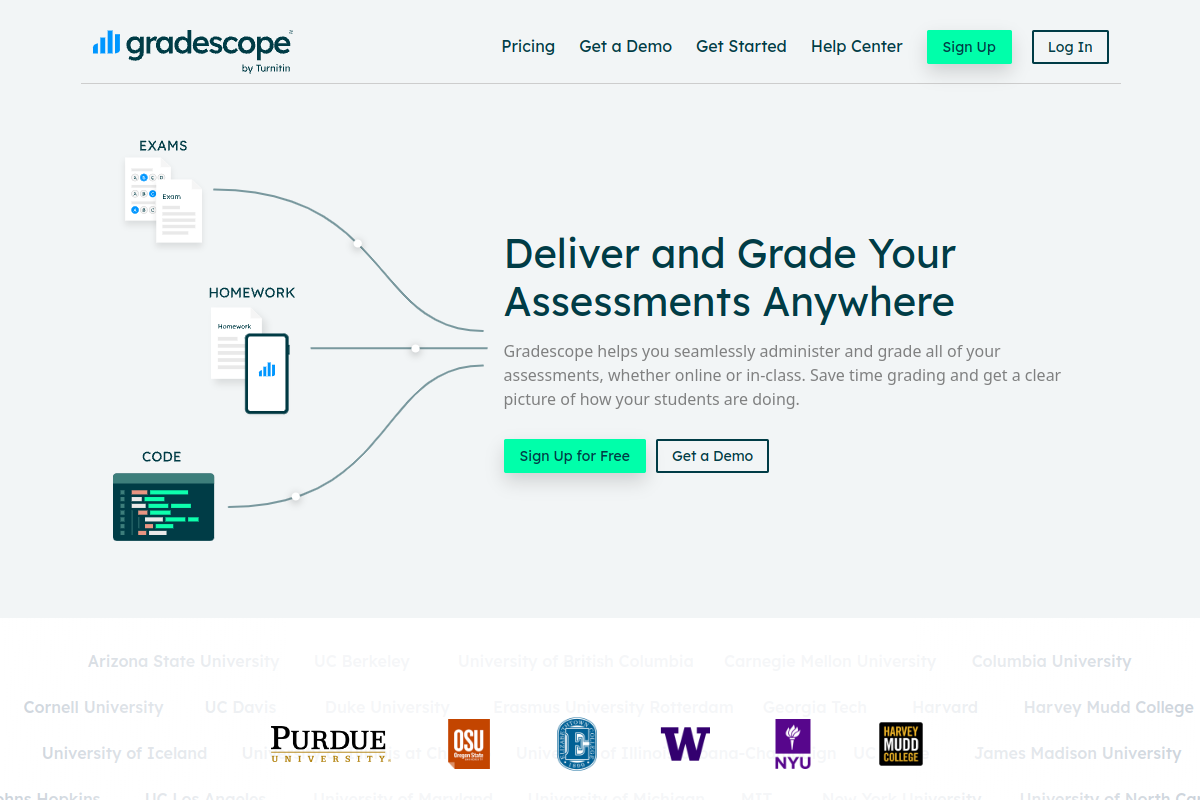
Gradescope is an AI-assisted grading platform designed to streamline the assessment process for educators across various assignment types. It aims to reduce grading time while enhancing consistency and providing valuable analytics on student performance.
Executive Summary
Gradescope revolutionizes the assessment landscape by offering an AI-assisted platform that significantly reduces grading time and ensures consistency across diverse assignment types. Its robust features, including dynamic rubrics and autograding for coding, make it a powerful tool for higher education instructors seeking to improve grading efficiency and provide actionable feedback, particularly for users wondering how Gradescope improves grading efficiency.
Quick Facts
Ease of Use
6.5/10
Level
Medium
Beginner Friendly
Yes
Time to Master
2-4 hours for basic use, longer for advanced features
What is Gradescope?
Gradescope is an innovative online assessment platform that helps educators efficiently grade a wide range of assignments, including paper-based exams, homework, and programming submissions. It leverages AI to group similar answers, allowing for consistent and faster feedback application using dynamic rubrics.
Developed at UC Berkeley, Gradescope simplifies the workflow from submission to grade distribution, offering detailed analytics to help instructors understand student learning outcomes. It integrates seamlessly with popular Learning Management Systems (LMS) such as Canvas, Blackboard, Moodle, and Brightspace, making it a versatile tool for higher education.
Key Features
- AI-Assisted Grading: Groups similar student answers, enabling instructors to grade them collectively and apply consistent feedback rapidly.
- Dynamic Rubrics: Allows for flexible rubric creation and modification during the grading process, ensuring fairness and clarity.
- Support for Diverse Assignment Types: Handles exams, homework, quizzes, bubble sheets, and advanced programming assignments.
- Autograder for Code: Provides automated testing and immediate feedback for programming submissions, supporting integration with GitHub and Bitbucket.
- LMS Integration: Connects with major Learning Management Systems (e.g., Canvas, Blackboard, Moodle) for seamless roster synchronization and grade export.
- Assignment Analytics: Generates per-question and per-rubric statistics, offering insights into student understanding and common misconceptions.
- Flexible Submission Options: Students can upload digital files or scan handwritten work, and instructors can manage both.
Pricing Breakdown
| Plan | Price | Features | Verdict |
|---|---|---|---|
| Free Plan (Individual Teacher) | $0 | Basic grading tools, suitable for small classes or platform testing. | Best for individual instructors exploring the platform or teaching small, non-complex courses. |
| Basic Plan (Per Student/Course) | $1 per student per course (approximate) | Assignment statistics, regrade requests, full grade export, late submissions, simple email support. Collaborative grading and unlimited course staff are often included. | Good for individual instructors or departments needing more advanced features than the free tier, especially with collaborative grading. |
| Institutional Plan (Custom Quote) | Custom pricing (typically $1-2 per student/year or higher) | All features of basic plans, plus LMS integration (LTI 1.3), Single Sign-On (SSO), administrator dashboard, dedicated onboarding and training, and often bundled with Turnitin. | Ideal for universities and colleges requiring comprehensive integration, centralized management, and full feature access across many courses and departments. |
Pros
- Significant Time Savings: Many users report reducing grading time by 30% or more, allowing instructors to focus on teaching.
- Enhanced Grading Consistency: Dynamic rubrics and AI-assisted grouping ensure uniform application of feedback across all submissions.
- Detailed Analytics: Provides valuable insights into student performance at a granular level, helping identify areas for improvement.
- Supports Varied Assignment Formats: Effectively grades everything from handwritten exams to complex coding projects.
- Improved Student Feedback: Facilitates quicker and more comprehensive feedback, supporting student learning.
Cons
- Initial Setup Time: Setting up templates and rubrics for new assignment types can require an upfront investment of time.
- Student Submission Challenges: Some students may face difficulties converting and uploading multi-page assignments or images correctly.
- Institutional Pricing Varies: While a free plan exists, advanced features and institutional-wide adoption require custom or per-student pricing, which can be a barrier for individual teachers.
- LMS Integration Limitations: In some cases, direct grade synchronization might not be fully automated, requiring manual export/import.
Expert Verdict
Gradescope is a game-changer for higher education, particularly for courses with large enrollments or complex assignments like those in STEM fields. Its AI-assisted grading and dynamic rubric features are highly effective in promoting consistency and dramatically cutting down grading time. While initial setup requires some investment, the long-term gains in efficiency and data insights are substantial, making it an invaluable tool for modern instructors. Its acquisition by Turnitin further strengthens its position as a robust assessment solution.
Real User Sentiment
Editor's Note
User sentiment for Gradescope is overwhelmingly positive, with many educators praising its ability to save time and ensure consistent grading. While some initial frustrations exist around student submission processes or setup, the general consensus highlights its transformative impact on assessment workflows.
Source: Aggregated from discussions on Reddit (r/Professors, r/GradSchool), educational blogs, and product reviews.
Common Feedback:
- “‘I love Gradescope – it has reduced my grading time by more than half, and my grading is so much more consistent now!'”
- “‘Gradescope transformed my grading workflow; the AI grouping is a lifesaver for large classes, even with a small learning curve for students.'”
Best Use Cases
- Large Lecture Courses: For managing and grading hundreds of student submissions efficiently with consistent application of rubrics.
- STEM Disciplines: Excels in grading complex problem sets, mathematical solutions, and programming assignments with autograding capabilities.
- Collaborative Grading Teams: Enables multiple TAs and instructors to grade parts of an assignment simultaneously while maintaining consistency.
- Hybrid or Online Learning Environments: Facilitates digital submission and remote grading of all assignment types.
Best Examples & Prompts
Recommended Workflows & Usage Scenarios:
Upload assignment PDF template, define variable-length regions, and set student submission options (e.g., scan, upload, online).
Navigate to the question, review AI-grouped answers, apply or refine rubric items, and add inline annotations for specific feedback.
Access the ‘Review Grades’ page for performance overview, publish grades to students, and export to an LMS gradebook.
Limitations You Should Know
- Requires student adherence to specific submission formats (e.g., clear PDFs, proper page linking) to maximize grading efficiency, which can be a hurdle for some.
- The full benefits of AI-assisted grading are most pronounced with fixed-template assignments or questions with common answer patterns.
- While powerful for grading, Gradescope’s direct learning content delivery or interactive exercise creation features are limited compared to full LMS platforms.
Who is using it?
- University Instructors: For streamlining grading workflows across large classes and diverse assignment types.
- Teaching Assistants (TAs): For collaborative and consistent grading with shared rubrics.
- STEM Educators: Particularly beneficial for grading math, science, and computer science assignments, including coding.
- Students: For clear feedback, easy submission, and the ability to request regrades.
- Higher Education Institutions: For standardized assessment practices and integration with existing learning platforms.
Who should NOT use it?
- Instructors primarily focused on interactive quizzes and adaptive learning paths without a significant grading load.
- Small classes with very simple, easily graded assignments where manual grading is already efficient.
- Users seeking a standalone plagiarism detection tool without the need for comprehensive assignment grading (Turnitin Feedback Studio might be a better fit here).