
Art Fonts Generator
Create beautiful, aesthetic, and unique text styles instantly with our premium Unicode generator. Just type, copy, and paste anywhere.
Generated Art Fonts Preview
No fonts found
Try adjusting your search or selecting a different category.
{StyleName}
{Category}How to Use the Art Text Generator
1
Type your text
Enter any text into our free text border and art generator.
2
Pick a border style
Choose from Box ╔══╗, Rounded ╭──╮, Arrow »»—, Pipe ┃, Double ║, or Code Block { } borders.
3
Copy & paste for free
Copy your bordered text and paste it to Discord, social media, or code documentation — free.
Frame Your Text with Unicode Box-Drawing Borders
The Art Text Generator at FreeAIToolsBox.com wraps your text in 6 unique Unicode border styles using box-drawing characters. Create professional text frames like Box Borders (╔══ text ══╗), Rounded Borders (╭── text ──╮), Arrow Borders (»»— text —««), Pipe Borders (┃ text ┃), Double Borders (║ text ║), and Code Blocks ({ text }).
Unlike image-based borders, our text art borders are pure Unicode characters — they remain as plain text when copied and pasted. This makes them perfect for Discord messages, code documentation, terminal aesthetics, and any platform where you can’t insert images.
For more text styling, explore our Technical Text Generator for monospace fonts, or try the Retro Text Generator for leet speak and binary text.
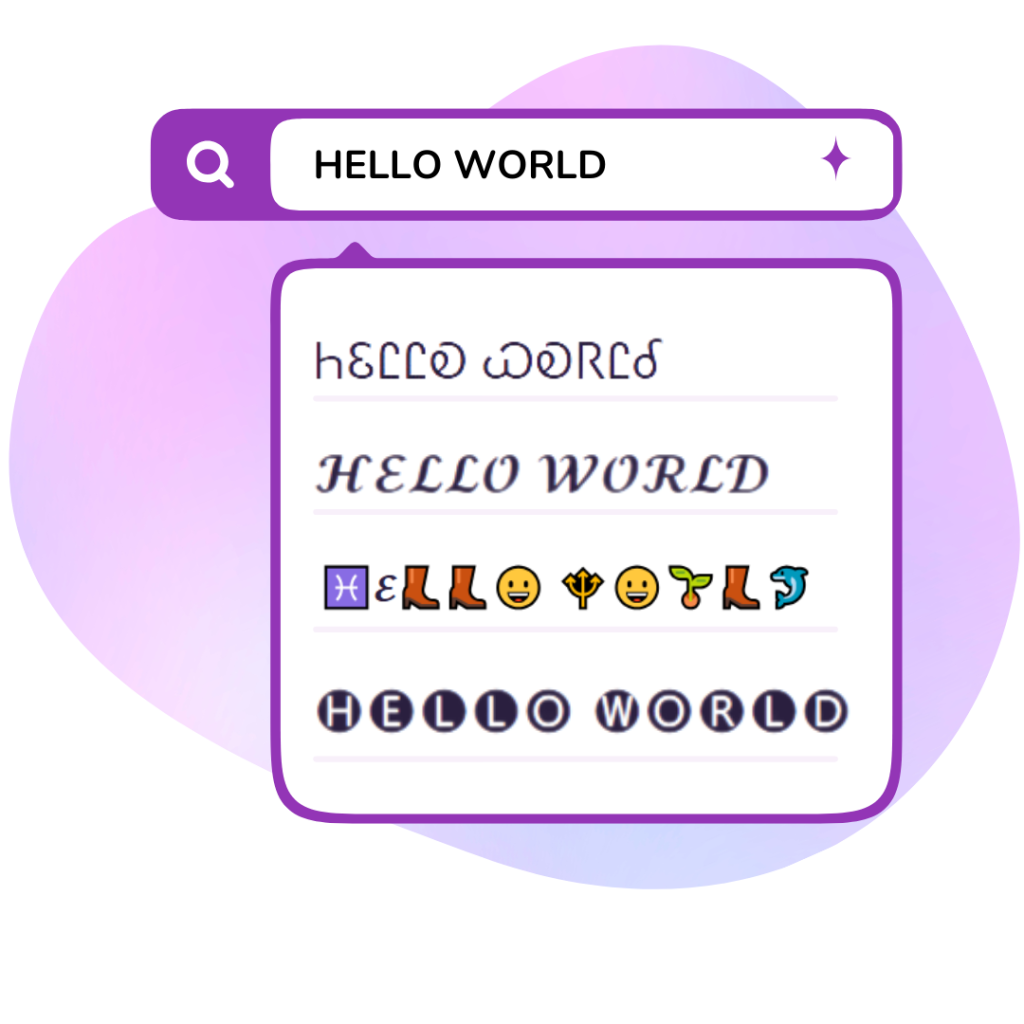
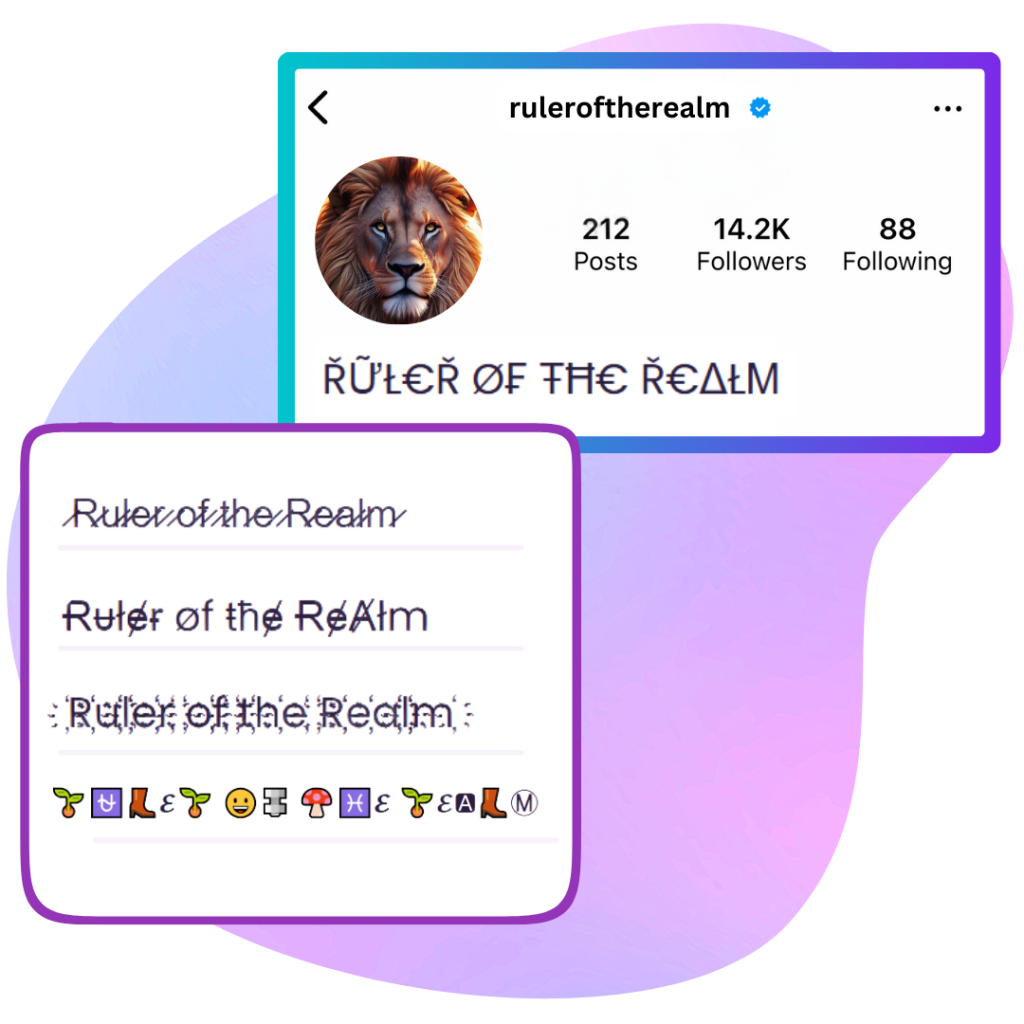
Where Can You Use Text Art Borders?
- Discord Servers: Box borders make announcement messages and rules sections look professional and organized.
- Code Documentation: Code block { } and pipe borders are perfect for README files and terminal-style text.
- Social Media Highlights: Arrow and rounded borders frame important text in posts and bios.
- Email Signatures: Double borders add a professional, structured look to plain-text email signatures.
For more visual text styles, explore our Aesthetic Text Generator or the Gaming Font Generator for epic symbol-decorated text.
Art Text (Borders) Generator Examples & Style Comparison
Compare standard keyboard letters with our instant art text generator copy and paste styles. These aesthetic text borders, frames, and box dividers work across Discord channels and bios:
| Normal Text | Box & Bracket Frame (Copy & Paste) | Ornate & Winged Border Style |
|---|---|---|
| Welcome | 【 Welcome 】 | ༺ Welcome ༻ |
| Important | 『 Important 』 | « Important » |
| Rules | ╔ Rules ╗ | ⋆ ˚。⋆ Rules ⋆。˚ ⋆ |
| Announcement | ◤ Announcement ◢ | ✦ Announcement ✦ |
| About Me | [ About Me ] | ✧・゚: About Me :・゚✧ |
Frequently Asked Questions
1. How do I make text box headers for my Discord server channels?
Discord channel topics and announcement messages look much cleaner with text art frames. Type your channel title (e.g., Rules, Announcements), pick a box border like 『 Rules 』 or 【 Welcome 】, and paste it directly into your Discord channel.
2. Can I put winged borders and brackets in my Instagram bio?
Yes! Art borders are popular for organizing Instagram and TikTok bios into neat sections (like interests, location, and quotes). They add clean visual structure without taking up much character space.
3. Will these text art borders align properly on mobile phones?
Yes. We specifically curated border characters that use standardized widths, ensuring that brackets, Japanese corners, and aesthetic wings stay aligned on both small mobile screens and desktop monitors.
Explore More Stylish Fonts
Looking for a different aesthetic? Return to the main Stylish Fonts Generator Hub to browse all font styles, or explore the Decorative Text Generator and the Technical Text Generator.