
Adobe Express Background Remover
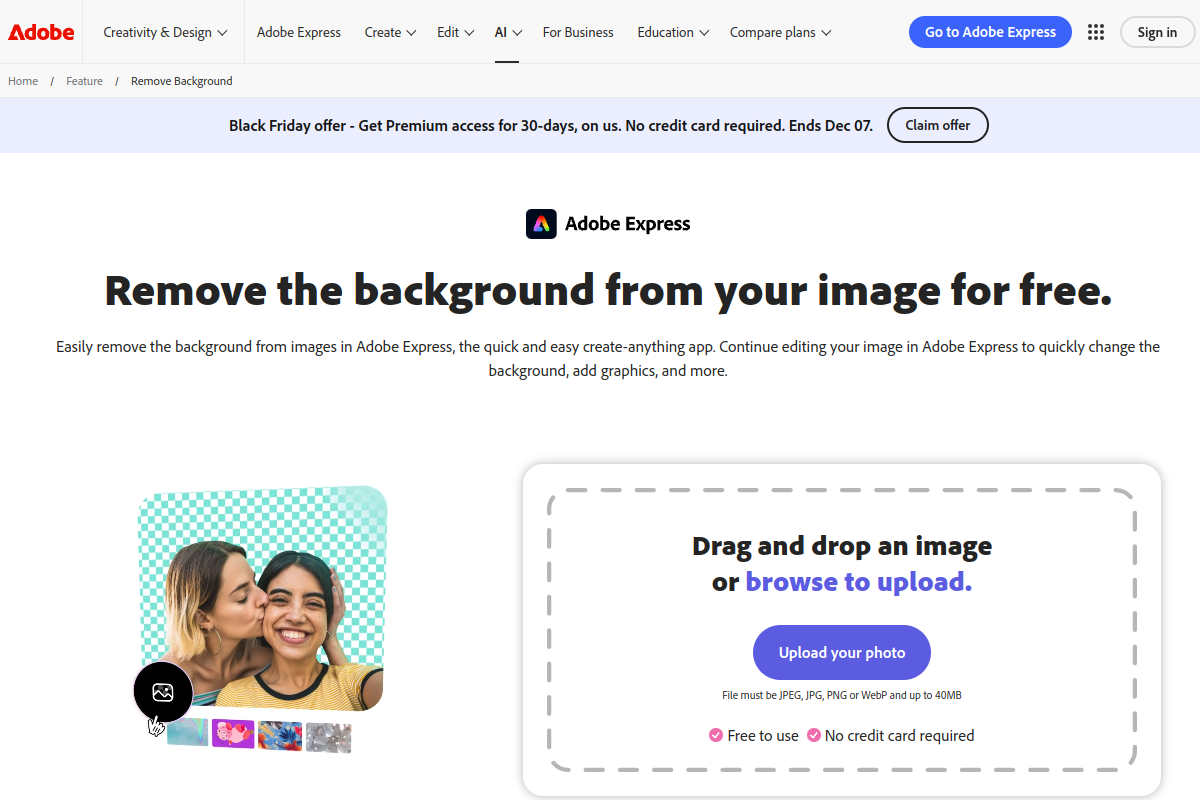
The Adobe Express Background Remover is a powerful, AI-driven online tool designed for quick and easy image background removal. It provides a straightforward way to create transparent backgrounds for various creative projects.
Executive Summary
The Adobe Express Background Remover is a powerful, AI-driven online tool designed for quick and easy image background removal, making it a popular choice for users asking ‘How to remove background in Adobe Express for free?’. While it excels in user-friendliness and integrates well with the broader Adobe Express suite for further editing, users should be aware of its limitations regarding batch processing and complex image details when comparing it against alternatives.
What is Adobe Express Background Remover?
Adobe Express Background Remover is a powerful online photo background remover that leverages AI to instantly remove distracting backgrounds from images, making it a free image background removal tool accessible to everyone. This AI background remover simplifies the process of isolating subjects, offering a quick solution for users seeking to erase background from images for various design needs.
Key Features
- AI-Powered Background Removal: Automatically identifies and removes backgrounds with a single click, utilizing advanced AI algorithms for a fast and effortless editing process.
- High-Quality Image Export: Allows users to export images with transparent backgrounds in high definition, including up to 4K resolution, suitable for professional and print purposes.
- Seamless Adobe Express Integration: Enables further editing and creative enhancements within the Adobe Express suite, such as swapping in new backgrounds, adding graphics, text, or applying filters.
- Fully Online and Accessible: Operates as a browser-based tool, requiring no software download or installation, and is accessible on both desktop and mobile devices.
- Broad File Format Support: Supports common image formats including JPEG, JPG, PNG, GIF, TIFF, and WebP, with files up to 40MB.
Pros
- User-friendly Interface: Features a simple, one-click operation, making background removal quick and easy for beginners.
- Fast and Efficient Processing: Utilizes AI to quickly remove backgrounds, often in seconds, significantly boosting productivity.
- High Precision Cutouts: Delivers generally high-quality cutouts, handling intricate edges well, including details like hair.
- Free Accessibility: The core background removal feature is available for free, at least for a limited time, without requiring a Creative Cloud subscription.
- Integrated Editing: Offers seamless integration with the Adobe Express creative suite for immediate follow-up editing and design enhancements.
Cons
- Limitations with Complex Subjects: May struggle with semi-transparent objects or highly intricate details, potentially requiring manual refinement or leaving minor remnants.
- Lack of Batch Processing: Inefficient for users who need to process a large volume of images simultaneously, such as e-commerce businesses.
- Potential Image Quality Issues: Some reports indicate possible image file compression during processing, leading to lower output resolution for free users.
- Privacy and Data Security Concerns: As an online service, general privacy and data security considerations are noted.
- Uncertain Free Access Duration: The background remover is currently free for a limited time, indicating it may become a premium-only feature in the future.
Who is using it?
- Small Business Owners: For creating clean, professional product pictures for e-commerce listings and marketing materials.
- Content Creators: Ideal for crafting standout social media posts, promotional graphics, and other visual content requiring clear subjects.
- Casual Users: Perfect for tidying up personal photos or quick design projects without needing advanced editing skills.
Frequently Asked Questions
How can I remove the background from an image using Adobe Express Background Remover without paying?
Is Adobe Express Background Remover suitable for creating professional product photos?
How does the Adobe Express Background Remover compare to other online background removal tools?
Free Alternatives & Details
If you’re exploring Adobe Express Background Remover but want to know if there’s a completely free version or better options available, you’re not alone. While Adobe Express Background Remover offers great features, many users look for a 100% free Adobe Express Background Remover alternative before committing to a paid plan. In 2026, the AI landscape has exploded with open-source tools and generous free tiers. Before you pay for a premium subscription, make sure to check out our complete directory of free AI tools to compare the best free alternatives currently on the market.