
How to Write in Different Fonts on Instagram, WhatsApp, Facebook and Discord
 FreeAIToolsBox Team
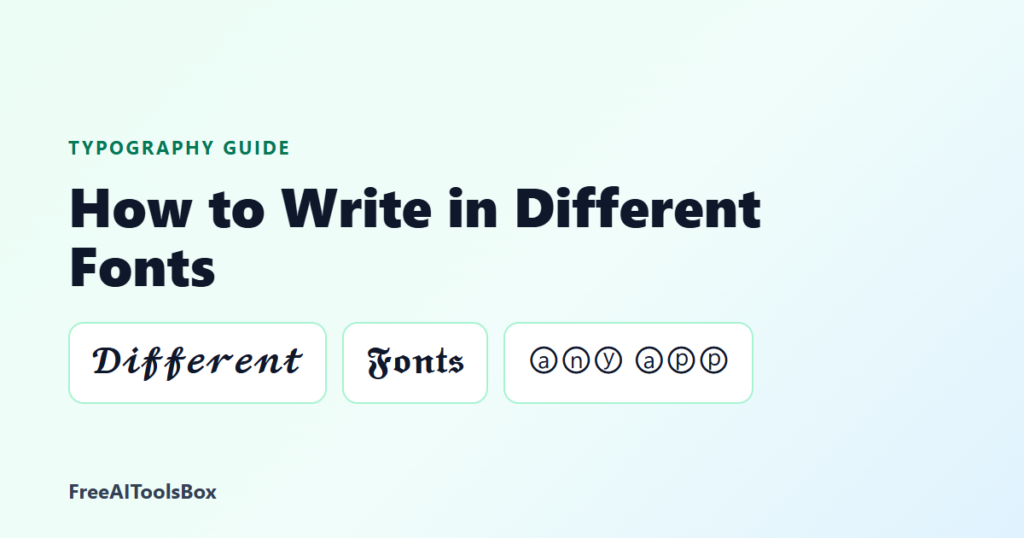
Table of Contents
Most apps never ask which font you want. Instagram, WhatsApp, Facebook and Discord all draw text in their own typeface. Yet you see bios in 𝓼𝓬𝓻𝓲𝓹𝓽, names in 𝕭𝖑𝖆𝖈𝖐𝖑𝖊𝖙𝖙𝖊𝖗 and posts in 𝐛𝐨𝐥𝐝 every day. Here is how people do it, and the three methods you can use on any phone or computer.
Type your text into a stylish font generator, tap Copy on the style you like, and paste it into your app. The styled letters are Unicode characters, not a font file, so they keep their look anywhere you can type. For simple bold or italic inside chats, WhatsApp, Telegram and Discord also have built-in formatting.
Why Apps Do Not Let You Change the Font
An app chooses its own font so text looks the same for every user and on every screen size. You cannot upload a font file to Instagram or WhatsApp, and even if you could, other people would not have it installed.
The workaround is Unicode. Besides the normal alphabet, Unicode contains complete alphabets that already look styled, originally made for mathematics: bold 𝐀𝐁𝐂, script 𝒜ℬ𝒞, Fraktur 𝔄𝔅ℭ, double-struck 𝔸𝔹ℂ and more. Because they are characters, not formatting, they travel with the text when you copy and paste.
Method 1: Copy and Paste Fonts (Works Everywhere)
- Open a font generator and type your text.
- Scroll through the styles. Every style updates as you type.
- Tap Copy on the one you like.
- Open your app, long-press the text field and choose Paste.
This is the easiest way to get different fonts on any device. To narrow the choice, open a style page: cursive fonts, bold text, gothic fonts, cool fonts or cute fonts.
Method 2: Built-in Formatting in Chat Apps
Some apps have their own formatting. It is limited to a few styles, but it is quick:
| App | Bold | Italic | Other |
|---|---|---|---|
*text* | _text_ | ~strike~, ```monospace```; lists and quotes too | |
| Discord | **text** | *text* | __underline__, ~~strike~~, # heading |
| Telegram | Select text, then Format | Select text, then Format | Monospace, strikethrough, spoiler |
| Instagram, Facebook, TikTok | None | None | Paste Unicode fonts instead |
Built-in formatting only works inside messages. It does not apply to your WhatsApp name, your About line or your Discord display name, where pasted fonts still work. See the WhatsApp font generator and our Discord formatting guide.
Method 3: Font Keyboard Apps (and Their Trade-off)
Font keyboard apps let you type directly in a style. They produce the same Unicode letters as a generator, but a keyboard app can see everything you type, including passwords and messages. If you only style a name or a bio line now and then, copy and paste is the safer choice.
Where Different Fonts Work on Each Platform
| Platform | Display name | Bio | Posts and comments | @username |
|---|---|---|---|---|
| Yes | Yes | Yes | No | |
| TikTok | Yes | Yes | Yes | No |
| Yes | Yes (About) | Yes | Not applicable | |
| Usually blocked | Yes (Intro) | Yes | No | |
| X (Twitter) | Yes | Yes | Yes | No |
| Discord | Yes | Yes | Yes | No |
Platform guides: Instagram fonts, TikTok fonts, Facebook fonts, Twitter fonts and Discord fonts.
How to Change the Font in a WhatsApp Status
A WhatsApp text status has its own font button: create a text status and tap the T icon to cycle through WhatsApp’s fonts. For a style WhatsApp does not offer, paste a Unicode font into the status instead.
How to Get Cool Fonts That Still Look Good
- Pick one style per line. A name in 𝓢𝓬𝓻𝓲𝓹𝓽 reads better than three mixed styles.
- Keep it short. Fonts work best in names, headlines and one-line bios.
- Leave key details plain. Links, emails and phone numbers stop working when styled.
- Check on another phone. Rare symbols can show as boxes on older devices; see why fonts show as question marks.
Frequently Asked Questions
How do I write in different fonts on my phone?
Type your text in a font generator, copy the style you like and paste it into any app. It works on iPhone and Android because the styled letters are Unicode characters, not a font file.
How do I get cool fonts without a keyboard app?
Use copy and paste. A web font generator gives you the same styles as most font keyboard apps, without giving an app permission to read what you type.
How do I write in different fonts on WhatsApp?
For chats, use WhatsApp’s own codes: *bold*, _italic_, ~strikethrough~ and “`monospace“`. For your name, About or other styles, copy a font from a generator and paste it.
Why can’t I change the font in my username?
Most platforms only allow plain letters, numbers, periods and underscores in @usernames. Styled fonts work in display names, bios, posts and comments instead.
Why do some letters stay normal when I change fonts?
Unicode only has styled versions of the English letters A to Z and the digits 0 to 9. Accented letters, ñ and other alphabets stay as you typed them.

FreeAIToolsBox Team
Lead editorial team and digital marketing veterans at FreeAIToolsBox. Reviewing cutting-edge AI software, Unicode typography systems, and modern productivity workflows.
Read More Articles →Keep Reading
More articles in Typography Guides
Get New AI Tools & Font Guides
Follow the FreeAIToolsBox channel on WhatsApp for new AI tool reviews, font generators and guides as we publish them.
Follow on WhatsApp