
What Font Is This? How to Identify Copy-and-Paste Fonts
 FreeAIToolsBox Team
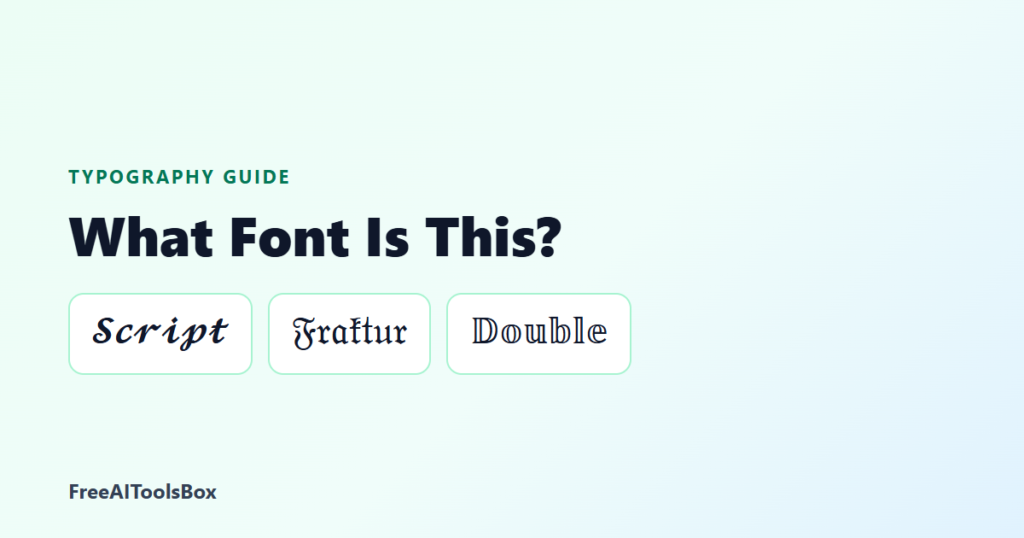
Table of Contents
You see a bio in 𝓔𝓵𝓮𝓰𝓪𝓷𝓽 𝓢𝓬𝓻𝓲𝓹𝓽 or a name in 𝕲𝖔𝖙𝖍𝖎𝖈 𝕷𝖊𝖙𝖙𝖊𝖗𝖘 and want the same one. Searching for the font name rarely helps, because in most cases it is not a font. This guide shows what copy-and-paste text really is and how to identify any style.
Copy-and-paste fonts are Unicode character sets, not font files. Each look has an official Unicode name, such as Mathematical Bold Script or Fraktur. Find the matching row in the table below, then copy the same style from a font generator.
Why Copy-and-Paste Text Is Not a Font
A font is a file that tells a device how to draw letters. Apps like Instagram do not let you choose one. Styled text gets around that by using different characters: 𝐀 is not a bold A, it is a separate character called Mathematical Bold Capital A (U+1D400). Your phone draws it with whatever system font includes it.
That is why you cannot download the font from someone’s bio. You can only copy the characters, or generate them yourself.
Identify the Style: Unicode Names and Examples
Find the row that looks like the text you saw. The example shows the word Font in each style.
| Unicode name | Looks like | Starts at | Try it |
|---|---|---|---|
| Mathematical Bold | 𝐅𝐨𝐧𝐭 | U+1D400 | Open style |
| Mathematical Italic | 𝐹𝑜𝑛𝑡 | U+1D434 | Open style |
| Mathematical Bold Italic | 𝑭𝒐𝒏𝒕 | U+1D468 | Open style |
| Mathematical Script | ℱℴ𝓃𝓉 | U+1D49C | Open style |
| Mathematical Bold Script | 𝓕𝓸𝓷𝓽 | U+1D4D0 | Open style |
| Mathematical Fraktur | 𝔉𝔬𝔫𝔱 | U+1D504 | Open style |
| Mathematical Double-Struck | 𝔽𝕠𝕟𝕥 | U+1D538 | Open style |
| Mathematical Bold Fraktur | 𝕱𝖔𝖓𝖙 | U+1D56C | Open style |
| Mathematical Sans-Serif Bold | 𝗙𝗼𝗻𝘁 | U+1D5D4 | Open style |
| Mathematical Monospace | 𝙵𝚘𝚗𝚝 | U+1D670 | Open style |
| Fullwidth Latin | Font | U+FF21 | Open style |
| Circled Latin (Enclosed Alphanumerics) | Ⓕⓞⓝⓣ | U+24B6 | Open style |
| Squared Latin | 🄵🄾🄽🅃 | U+1F130 | Open style |
| Negative Squared Latin | 🅵🅾🅽🆃 | U+1F170 | Open style |
| Small capitals (Phonetic letters) | ғᴏɴᴛ | U+1D00 block | Open style |
| Combining long stroke overlay | F̶o̶n̶t̶ | U+0336 | Open style |
| Combining low line | F̲o̲n̲t̲ | U+0332 | Open style |
| Turned letters (IPA) | ʇuoℲ | e.g. U+0250 | Open style |
Decorated names usually combine one of these alphabets with symbols, for example ꧁ ꧂ wings or ★彡 stars. See the font generator with symbols for those.
How to Find the Exact Style in Seconds
- Copy one word of the text you saw.
- Type the same word into the stylish fonts generator.
- Scroll until a card matches, then tap Copy.
- If several look similar, compare one letter, such as the capital in the first position.
To see a character’s official name, paste it into any Unicode lookup site. The name tells you the family, for example Fraktur or Double-Struck.
What Font Is in a Logo or Image?
Text inside an image is a real font, not Unicode. Use a font identification tool such as MyFonts WhatTheFont or the Font Squirrel Matcherator: upload a sharp crop of a few letters and compare the results. For a similar look in a bio, pick the closest copy-and-paste style, such as Fraktur for blackletter logos.
Things to Know Before You Copy a Style
- Styled characters cover the English letters A to Z and digits only. Accents and other alphabets stay normal.
- Search engines and app search may not match styled words, so keep names you want found in plain text.
- Rare styles can show as boxes on older devices; see why fonts show as question marks.
Frequently Asked Questions
What font is this copy and paste text?
It is usually not a font at all. Copy-and-paste text uses special Unicode characters, such as Mathematical Bold Script or Fraktur, that already look styled. Match the look in the table above to find its Unicode name.
Can I download the font I see in a bio?
There is nothing to download, because the style is part of the characters. To use the same look, copy it from a font generator. If you need a real font file for design work, search for a typeface in the same family, such as a blackletter or script font.
How do I find which style someone used?
Type the same word into a font generator and scroll until a card matches. You can also paste one character into a Unicode lookup site to see its official name.
What font is in a logo or image?
For text in an image, use a font identification tool such as MyFonts WhatTheFont or the Font Squirrel Matcherator. Upload a clear crop of the letters and compare the suggestions.
Why does the same text look different on another phone?
Each device draws Unicode characters with its own system fonts, so script and Fraktur letters vary slightly between iPhone, Android and Windows. The style family stays the same.

FreeAIToolsBox Team
Lead editorial team and digital marketing veterans at FreeAIToolsBox. Reviewing cutting-edge AI software, Unicode typography systems, and modern productivity workflows.
Read More Articles →Keep Reading
More articles in Typography Guides

Get New AI Tools & Font Guides
Follow the FreeAIToolsBox channel on WhatsApp for new AI tool reviews, font generators and guides as we publish them.
Follow on WhatsApp