

Numerous.ai
Numerous.ai transforms spreadsheets into powerful AI assistants, enabling users to automate complex tasks directly within Excel and Google Sheets. This innovative solution significantly boosts productivity for data management and content generation.
AI Categories: AI Chatbots, Productivity, Spreadsheets
Pricing Model: Freemium
Minimum Package: $10/month
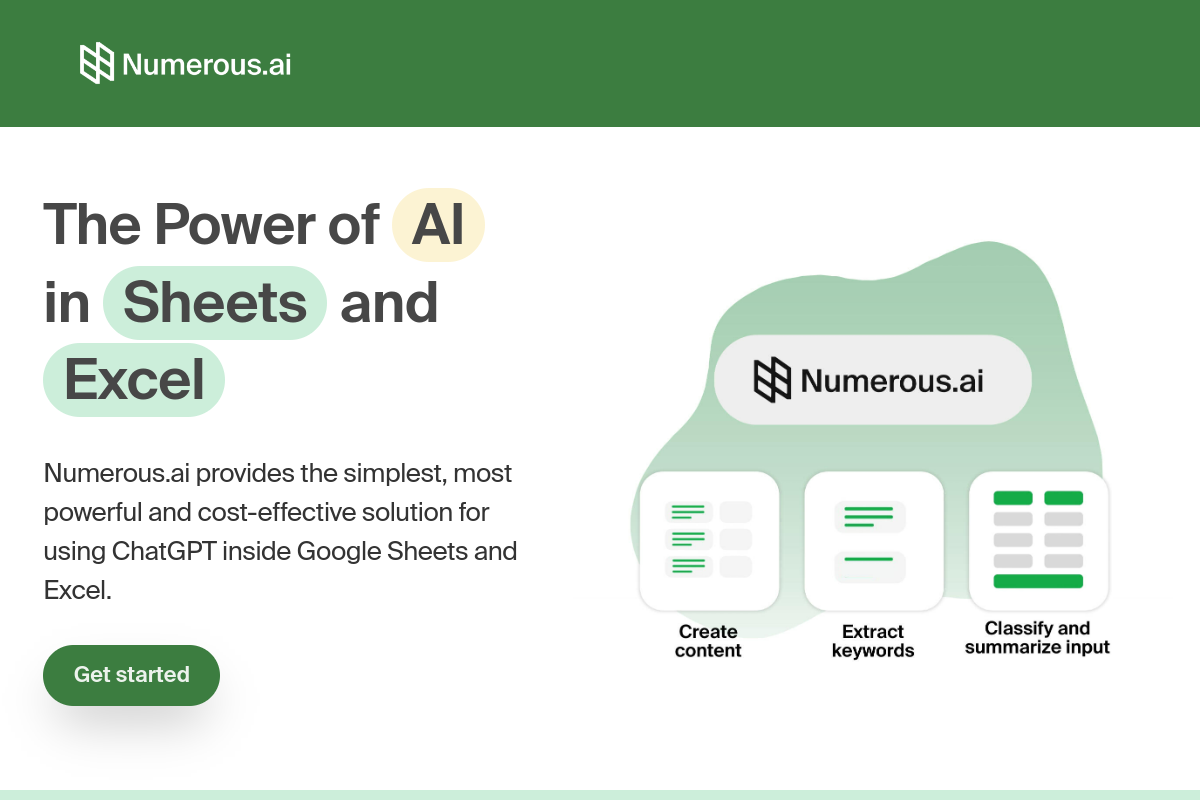
What is Numerous.ai?
Numerous.ai is an innovative AI tool that seamlessly integrates directly into Google Sheets and Microsoft Excel, transforming how users interact with their data. This powerful add-on leverages advanced artificial intelligence to automate a wide array of spreadsheet tasks, from generating formulas and classifying data to creating content and performing complex analyses. It allows users to employ natural language prompts, effectively turning their spreadsheets into dynamic AI assistants without requiring any coding expertise or complex API keys.
The tool’s core value proposition lies in its ability to significantly boost productivity and efficiency by streamlining repetitive and time-consuming spreadsheet operations. It empowers individuals and teams to make smarter, data-driven decisions faster, ensuring more accurate results and freeing up valuable time for strategic work.
Key Features of Numerous.ai?
- Simple =AI() Function: Users can interact with AI directly in any spreadsheet cell using a straightforward =AI() function, making complex tasks accessible with natural language prompts.
- Automated Data Processing: This AI spreadsheet tool excels at automating various data tasks, including data cleaning, categorization, sentiment analysis, and text extraction, ensuring efficiency and accuracy.
- Natural Language Formula Generation: Generate and interpret complex formulas by simply typing requests in plain English, eliminating the need for advanced technical skills.
- Cross-Platform Compatibility: The platform works seamlessly as an add-in for both Google Sheets and Microsoft Excel, providing flexibility and convenience across preferred spreadsheet platforms.
- Built for Teams: Designed for collaborative environments, this AI solution supports team projects, allowing multiple users to work together on AI-powered spreadsheet tasks effortlessly.
Pros
- User-friendly interface: Numerous.ai offers an easy-to-navigate interface, ensuring accessibility and straightforward use even for those without technical expertise.
- Increased productivity and time-saving: It helps automate repetitive and complex tasks, significantly reducing time spent on manual data entry and calculations.
- Seamless AI integration in spreadsheets: Provides a seamless integration with Google Sheets and Excel, allowing users to harness AI power without leaving their preferred platforms.
- Cost-effective AI usage: By avoiding duplicate queries and optimizing resource usage, it ensures cost-effective AI operations.
Cons
- Requires internet connection: The tool requires a stable internet connection to function efficiently.
- No permanent free plan: It does not offer a permanent free plan, though a 7-day trial for $1 is available.
- Limited offline functionality: Due to its cloud-based AI processing, its functionality is limited without online access.
Who is using Numerous.ai?
- Financial Analysts: To analyze financial data and create accurate reports quickly.
- Digital Marketers: To efficiently organize and create ad campaigns, keywords, and SEO content.
- Content Creators: To generate new ideas, tables of content, and format text data.
- Researchers and Students: To clean, summarize, and classify research and academic data.
Summary
Numerous.ai fundamentally changes how users interact with spreadsheets by embedding powerful AI capabilities for efficient spreadsheet automation and data analysis. This valuable AI tool simplifies complex operations, making it essential for anyone seeking to enhance their workflow and understand Numerous.ai’s full potential for various tasks.
Frequently Asked Questions
Ans. Pricing plans for this AI spreadsheet assistant typically start around $10 per month for a Personal plan. A $1 trial for 7 days is also available, granting full access to features before committing to a subscription.
Ans. To use the tool in Google Sheets, simply install the add-on from the Google Workspace Marketplace. You can then use the '=AI()' function in any cell to input natural language prompts for tasks like data analysis or content creation. Dragging the cell down can apply the AI function to multiple rows.
Ans. Several alternatives exist, including Formula Bot, SheetGPT, SheetMagic, and AiAssistWorks. These tools offer varying features for AI integration in spreadsheets, catering to different user needs.
Ans. No, Numerous.ai is designed for users without technical expertise. It uses natural language prompts and a simple '=AI()' function, generally eliminating the need for complicated API keys for basic use.
Ans. Yes, the platform is highly capable of performing advanced data analysis, summarization, and categorization. It can quickly understand the tone of messages, extract information, and help users make data-driven decisions within their spreadsheets.
Ans. The platform can generate a wide range of content, including product descriptions, marketing copy, SEO blog posts, hashtags, and replies to customers, all directly within your spreadsheet environment.