

InVideo AI
InVideo AI is an innovative platform that utilizes artificial intelligence to generate professional-quality videos from text prompts and ideas. It significantly speeds up video creation for content creators and marketers.
AI Categories: Text to Video, Video Editing, Video Generators
Pricing Model: Freemium
Minimum Package: $0
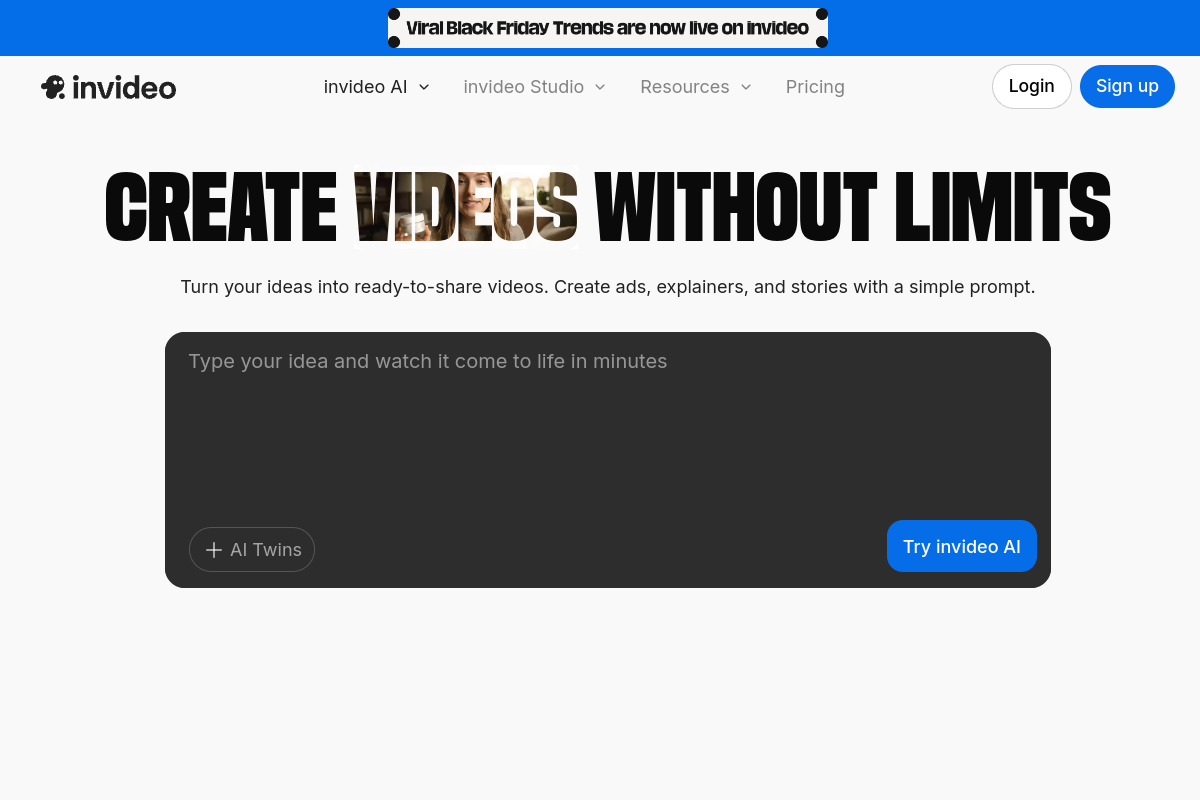
What is InVideo AI?
InVideo AI is an advanced online video creation platform leveraging artificial intelligence to transform text prompts, ideas, or scripts into polished, ready-to-share videos in minutes. It simplifies the entire video production process, making high-quality video accessible to everyone regardless of their editing experience.
This AI-powered tool automates various tasks such as script generation, media selection from a vast library, voiceovers, and transitions. It streamlines workflows for content creators, marketers, and businesses, allowing them to produce engaging videos efficiently for diverse platforms.
Key Features of InVideo AI?
- AI-Powered Video Generation: Converts text prompts or scripts into complete videos, including script, media, voiceover, and edits, drastically accelerating video creation workflows.
- Vast Stock Media Integration: Provides access to a massive library of over 16 million royalty-free stock photos, videos, and music tracks for diverse content needs.
- Realistic AI Voiceovers & Voice Cloning: Offers human-sounding AI voices in multiple languages and accents, with the option to clone your own voice for personalized narration.
- Text-Based Editing with Magic Box: Allows users to edit generated videos using simple text commands, enabling quick modifications like changing scenes, voiceover accents, or adding intros.
- Automated Subtitles & Captions: Automatically generates timed subtitles, improving accessibility and engagement, especially for social media content watched without sound.
- Brand Kit Functionality: Enables users to maintain brand consistency by saving logos, colors, and fonts to easily apply them across all videos.
Pros
- Fast Video Generation: Drastically reduces the time to create professional videos from ideas or scripts to minutes.
- Ease of Use: Intuitive interface and text-based editing make it accessible for beginners without prior video editing experience.
- Extensive Media Library: Access to millions of stock photos, videos, and music tracks enhances content variety and quality.
- AI-Powered Efficiency: Automates complex tasks like scriptwriting, media selection, and voiceovers, allowing focus on creative direction.
- Cost-Effective: Provides powerful video creation tools at a fraction of the cost of traditional editing software or hiring professionals.
Cons
- Watermarks on Free Plan: Videos created with the free plan include watermarks, which can reduce brand credibility.
- Credit Consumption: Generating and regenerating videos, especially with AI mistakes, can quickly consume credits.
- Limitations in Creative Control: AI-generated content may sometimes feel generic or require manual adjustments for specific artistic visions.
- Occasional AI Inaccuracies: Users report instances of repetitive visuals, pronunciation issues in voiceovers, or scripts needing fact-checking.
- Limited Advanced Editing Options: May not offer the same granular control or complex animation capabilities as dedicated professional software.
Real User Sentiment
Overall user sentiment for InVideo AI is largely positive, with many users praising its efficiency, ease of use, and ability to generate professional-looking videos quickly. Content creators and marketers especially appreciate the time-saving aspects for social media content. However, some negative sentiment arises from concerns about quick credit consumption, occasional AI inaccuracies requiring manual adjustments, and perceived limitations in advanced creative control compared to traditional editing software.
Source: Aggregated from user reviews and discussions on platforms like Trustpilot, Capterra, Reddit, and Product Hunt.
Common Feedback:
- “I can now create videos in minutes that used to take hours; it’s a game-changer for social media content, saving me so much time.”
- “Great idea but credits burn out quickly, and sometimes the AI needs manual tweaks for specific creative visions, making it less ideal for complex projects.”
Best Use Cases
- Social Media Content Creation: Rapidly generate short, engaging videos for platforms like Instagram, TikTok, and YouTube Shorts.
- Marketing & Promotional Videos: Quickly produce ads, product showcases, and explainer videos for campaigns and digital marketing efforts.
- Content Repurposing: Transform existing blog posts, articles, or scripts into dynamic video content to reach wider audiences.
- Faceless YouTube Videos: Create narrated videos with stock footage or AI-generated media without needing to appear on camera.
- Educational & Training Videos: Develop quick tutorials, onboarding guides, or informational clips for educational purposes.
Best Examples & Prompts
Best AI Prompts for this Tool:
Learning Curve Score
| Ease of Use | 8.5/10 ⭐ |
| Level | Low |
| Beginner Friendly? | Yes ✔️ |
| Time to Master | 1-2 hours |
Feature Scorecard
Limitations You Should Know
- Watermarks are present on videos generated with the free plan.
- AI-generated content might sometimes lack unique creative flair and require manual refinement.
- Credit usage can be high for iterative generations or complex projects, potentially leading to unexpected costs.
- Advanced editing options are not as comprehensive as dedicated professional video editing software.
- Occasional inaccuracies in AI-generated scripts or voiceover pronunciation have been reported.
Who is using InVideo AI?
- Content Creators: For quickly generating engaging videos for YouTube, Instagram, and TikTok.
- Social Media Managers: To produce high-volume, platform-optimized video content for various campaigns and channels.
- Small Business Owners: For creating professional product showcases, promotional videos, and customer reviews without extensive editing skills.
- Digital Marketers: To streamline video ad creation, A/B testing variations, and repurpose long-form content into engaging video formats.
- Educators: For curating educational content, training videos, and explainer videos for students or employees.
Who Should NOT Use This Tool?
- Professional filmmakers or editors requiring granular control over every aspect of video production and complex animations.
- Users needing extremely niche or highly specific visual styles that AI might struggle to interpret accurately without extensive prompting.
- Individuals with very tight budgets who cannot afford subscription plans and find the free plan’s limitations (watermarks, fewer credits) too restrictive.
Pricing Breakdown
| Plan | Price | Features | Verdict |
|---|---|---|---|
| Free Plan | $0/month | Limited AI minutes (e.g., 10 AI minutes per week), no generative credits, 10GB storage, 4 exports per week with watermarks, access to 6,000+ templates. | Best for individuals testing the platform or occasional, simple video creation with basic needs. |
| Plus Plan | $28/month (billed annually) or $35/month (billed monthly) | Typically includes 50 AI minutes/month, 80 iStock media assets, 60 seconds of generative credits, 2 voice clones, 100GB storage, unlimited exports without watermarks. | Ideal for individual content creators and small businesses needing regular video production without watermarks. |
| Max Plan | $48/month (billed annually) or $60/month (billed monthly) | Offers 200 AI minutes/month, 320 iStock media assets, 60 seconds of generative credits, 5 voice clones, 400GB storage, unlimited exports. | Suitable for advanced users or growing teams with higher video production volume and greater media asset requirements. |
| Generative Plan | $96/month (billed annually) or $120/month (billed monthly) | Includes 200 AI minutes/month, 320 iStock media assets, 15 minutes of generative credits (for unique visuals from descriptions), 5 voice clones, 400GB storage, unlimited exports. | Best for users who extensively leverage AI to create unique, custom visuals and require significant generative AI capabilities. |
Alternatives to InVideo AI
| Alternative | Strength | Pricing | Why Choose It? |
|---|---|---|---|
| Pictory AI | Content repurposing, turning long-form content into short videos. | Paid plans starting around $19/month (billed annually). | Choose Pictory AI if your primary need is to convert existing articles, blogs, or scripts into video content efficiently, especially for social media snippets. |
| Runway ML | Advanced AI video editing, text-to-video, image-to-video, and video-to-video capabilities with high stylistic control. | Free plan available; paid plans starting around $12/month (billed annually). | Opt for Runway ML if you require more sophisticated AI-driven editing, experimental video generation, and greater creative control for cinematic or artistic projects. |
| Synthesia | AI avatar and video generation with realistic human avatars and multilingual support (140+ languages). | Paid plans starting around $18/month (billed annually). | Consider Synthesia if your focus is on creating professional videos with customizable AI avatars for corporate training, presentations, or personalized sales outreach. |
Summary
InVideo AI stands out as a powerful AI video generator, empowering users to transform ideas into engaging videos rapidly and efficiently. Its ability to create high-quality content from simple prompts makes it an excellent tool for social media marketing and various other applications, democratizing video production.
Verdict From an Expert
InVideo AI is a formidable tool in the rapidly evolving landscape of AI-powered video creation. Its strength lies in its remarkable speed and accessibility, democratizing video production for individuals and small to medium-sized businesses. The platform’s ability to generate comprehensive video drafts from simple text prompts, coupled with a vast stock media library and realistic AI voiceovers, makes it a highly efficient solution for content generation. While it excels in automating routine tasks and producing high-volume social media content, users seeking highly nuanced creative control or complex cinematic effects might find certain limitations. Overall, for marketers, content creators, and businesses prioritizing speed and ease of use, InVideo AI offers exceptional value.
Frequently Asked Questions
Ans. InVideo AI is primarily used for quickly generating professional-quality videos from text prompts, scripts, or ideas. It's ideal for creating social media content, marketing videos, explainers, and product showcases, streamlining the video production process for various users.
Ans. InVideo AI offers a Free Plan with limited features and watermarked exports. Paid plans typically include Plus, Max, and Generative tiers, starting from approximately $28/month (billed annually) for the Plus plan, offering more AI minutes, stock media, and advanced features.
Ans. Absolutely. InVideo AI is highly optimized for social media, offering pre-made formats for platforms like Instagram Reels, TikTok, and YouTube Shorts. It helps users quickly create dynamic, engaging content tailored for different social channels.
Ans. Yes, InVideo AI is designed to be very user-friendly and is suitable for all skill levels, including beginners. Its intuitive interface and AI automation eliminate the need for prior video editing experience, allowing anyone to create professional videos with ease.
Ans. InVideo AI significantly reduces video production time from hours to minutes by automating scriptwriting, media selection, and voiceovers, unlike traditional editing which requires manual work and specialized skills. While it may offer less granular control than professional software, its speed and ease of use are major advantages.