

Fillout
Fillout is a robust no-code form builder designed to simplify data collection and automate workflows for businesses. It offers extensive customization and seamless integrations to streamline operations.
AI Categories: low-code/no-code, Marketing, Productivity
Pricing Model: Freemium, Subscription
Minimum Package: $15/month (billed annually)
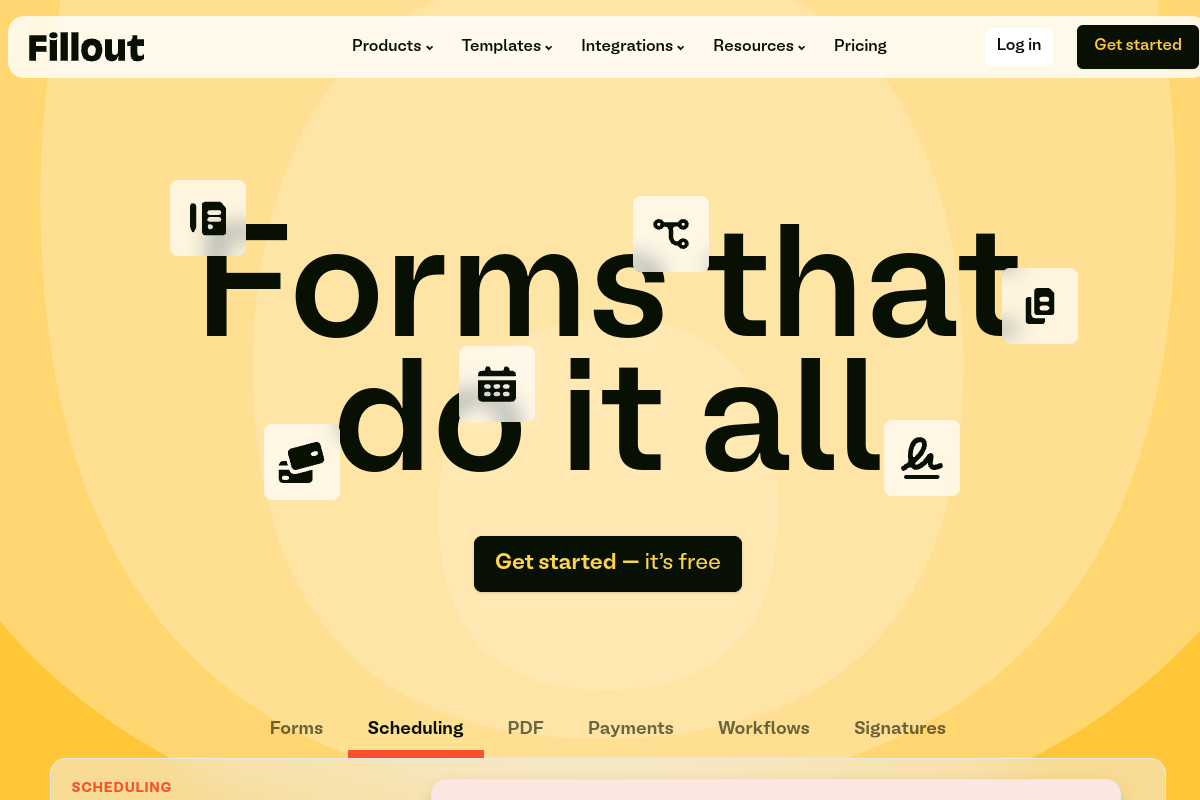
What is Fillout?
Fillout is a comprehensive, no-code platform engineered to facilitate the creation and management of online forms, surveys, and quizzes. This user-friendly tool empowers individuals and businesses to build professional, highly customizable data collection instruments without requiring any coding expertise.
The platform is more than just a form builder; it acts as a starting point for critical internal and external business workflows, integrating seamlessly with existing tools to automate processes and scale operations.
Key Features of Fillout?
- Drag-and-Drop Interface: Easily create custom forms and surveys using a intuitive drag-and-drop editor with over 50 customizable field types.
- Advanced Conditional Logic: Implement intelligent routing and conditional logic to create dynamic, personalized form experiences.
- Extensive Integrations: Connect Fillout with popular tools like Airtable, Notion, Google Sheets, Salesforce, HubSpot, and Mailchimp to streamline workflows.
- Customization & Branding: Tailor forms with custom themes, fonts, colors, CSS, and white-label options to match brand identity.
- Payment Collection: Process payments directly through forms with integrations like Stripe, without additional fees.
- Workflow Automation: Automate tasks such as scheduling, PDF generation, and updating database records based on form submissions.
Pros
- Ease of Use: Highly intuitive drag-and-drop interface makes form creation fast and accessible for all users.
- Powerful Customization: Offers extensive options for branding, styling, and advanced form logic.
- Seamless Integrations: Connects with a wide array of third-party applications to enhance workflows and data management.
- Excellent Customer Support: Users frequently highlight responsive and helpful customer service.
- Generous Free Plan: Provides a substantial free tier with 1000 responses/month and unlimited forms.
Cons
- Pricing Gap: Some users feel there is a gap in pricing tiers between the free plan and higher-tier paid plans.
- Autosave Reliability: A few users have reported occasional reliability gaps with autosave and session persistence, especially on mobile.
Real User Sentiment
Overall user sentiment for Fillout is overwhelmingly positive, with users frequently commending its intuitive design, powerful features, and excellent integration capabilities. Many highlight its effectiveness in streamlining workflows and its responsive customer support.
Source: Aggregated from hundreds of reviews across G2, Product Hunt, and user testimonials on the Fillout website.
Common Feedback:
- “‘Fillout is easily the best form drag and drop I’ve used. It works first time every time, and the range of functionality is impressive.'”
- “‘Fillout has made data intake incredibly simple for our teams. Every form matches our brand, and we save time with custom workflows and logic.'”
Best Use Cases
- Lead Generation & CRM Integration: Automatically capture leads with custom forms and integrate data directly into HubSpot or Salesforce.
- Event Registration & Scheduling: Create multi-page registration forms with payment collection and automated scheduling, replacing tools like Calendly.
- Internal Operations & HR Forms: Streamline internal processes like expense reports, staff directories, and feedback collection for teams.
- Customer Feedback & Surveys: Design engaging surveys with conditional logic to gather detailed customer insights.
Best Examples & Prompts
Recommended Workflows & Usage Scenarios:
Create a multi-step onboarding form to collect new customer details, integrate with CRM, and trigger a welcome email series.
Design an anonymous survey with conditional questions to gather insights on workplace satisfaction, linking responses to a Notion database.
Build an e-commerce order form that calculates totals, processes payments via Stripe, and sends order details to a Google Sheet.
Learning Curve Score
| Ease of Use | 2.5/10 ⭐ |
| Level | Low |
| Beginner Friendly? | Yes ✔️ |
| Time to Master | 1-2 hours for basic forms |
Feature Scorecard
Limitations You Should Know
- Occasional reports of minor autosave or session persistence issues on mobile devices.
- The jump in features and pricing between the free and higher-tier plans might feel significant for some small businesses.
Who is using Fillout?
- Small Businesses: Ideal for collecting customer feedback, managing event registrations, and generating leads.
- Educational Institutions: Useful for conducting student surveys, course evaluations, and admissions forms.
- Marketing Professionals: Perfect for creating lead generation forms, customer satisfaction surveys, and market research.
- No-Code Developers: Provides a powerful toolkit for building complex data intake solutions without writing code.
Who Should NOT Use This Tool?
- Users who primarily need extremely basic, no-frills forms without any advanced logic or integrations may find the full power of Fillout to be more than they require, potentially preferring a simpler, free-only tool like Google Forms.
- Organizations requiring extensive offline form capabilities with complex data syncing, as Fillout is primarily an online platform.
Pricing Breakdown
| Plan | Price | Features | Verdict |
|---|---|---|---|
| Free | Free | Unlimited forms, unlimited team seats, 1000 responses/month, multi-page forms, embedding, payment collection, conditional logic. | Best for individuals and small organizations with basic to moderate form-building needs. |
| Starter | $19/month (or $15/month annually) | Everything in Free, plus 2000 responses/month, premium field types, custom themes, custom endings, Calendly scheduling. | Ideal for growing businesses needing more responses and customization options. |
| Pro | $40/month (or $32/month annually) | Everything in Starter, plus 5000 responses/month, no Fillout branding, custom emails, custom share links, custom fonts, advanced analytics, custom CSS. | Suitable for brands focused on full white-labeling and deeper analytics. |
| Business | Custom | Everything in Pro, plus unlimited responses, custom domains, partial submissions, custom code, priority support, Salesforce integration, enterprise security features. | Designed for large organizations and enterprises with advanced security, compliance, and scaling requirements. |
Alternatives to Fillout
| Alternative | Strength | Pricing | Why Choose It? |
|---|---|---|---|
| Typeform | Conversational form design and engaging user experience. | Freemium, paid plans from $29/month. | Choose Typeform for highly interactive, one-question-at-a-time forms that prioritize user engagement. |
| Jotform | Extensive template library and robust automation features. | Free Starter plan, paid plans from $34/month. | Opt for Jotform if you need a vast array of templates and complex automation capabilities. |
| Tally | Simple, powerful, and very generous free plan with unlimited forms and submissions. | Free plan, Pro plan from $29/month. | Select Tally for a free and straightforward form builder that offers many advanced features without cost. |
Summary
Fillout emerges as a highly capable and user-friendly form builder, excelling in customization and integrations for effective data collection. Its robust features and strong customer support make it a valuable tool for streamlining business processes and optimizing data intake.
Verdict From an Expert
Fillout stands out as an exceptionally powerful and flexible no-code form builder, particularly for users needing deep integrations and extensive customization. Its drag-and-drop interface, coupled with advanced conditional logic and robust automation capabilities, makes it a top-tier choice for efficient data intake and workflow management. While there’s a slight pricing gap perception for some users, the overall value, especially with its feature-rich free tier and responsive support, positions Fillout as a formidable solution in the market.
Frequently Asked Questions
Ans. Fillout is a no-code online form builder that enables users to create customizable forms, surveys, and quizzes with a drag-and-drop interface. It helps streamline data collection, automate workflows, and integrate with various business tools.
Ans. Fillout offers a generous free plan with up to 1000 responses per month, which is more expansive than Typeform's free tier. Paid plans for Fillout start at $15/month (billed annually) for its Starter plan, offering strong value compared to similar tools.
Ans. Fillout offers seamless integrations with over 50 popular tools including HubSpot, Mailchimp, Google Sheets, Airtable, Notion, and Salesforce, facilitating lead capture, data synchronization, and marketing automation.
Ans. Yes, Fillout is highly regarded for its robust integration with Airtable, allowing users to create and update records directly within their Airtable bases from form submissions.
Ans. Customer reviews on platforms like G2 and Product Hunt consistently praise Fillout for its user-friendly interface, ease of use, and intuitive drag-and-drop form building experience.