

Erase.bg: AI Background Remover
Erase.bg is an advanced AI-powered tool designed for effortless background removal from images. It simplifies the process of creating professional-looking transparent or custom backgrounds for various visual needs.
AI Categories: Design Generators, Image Editing
Pricing Model: Freemium
Minimum Package: $4.9
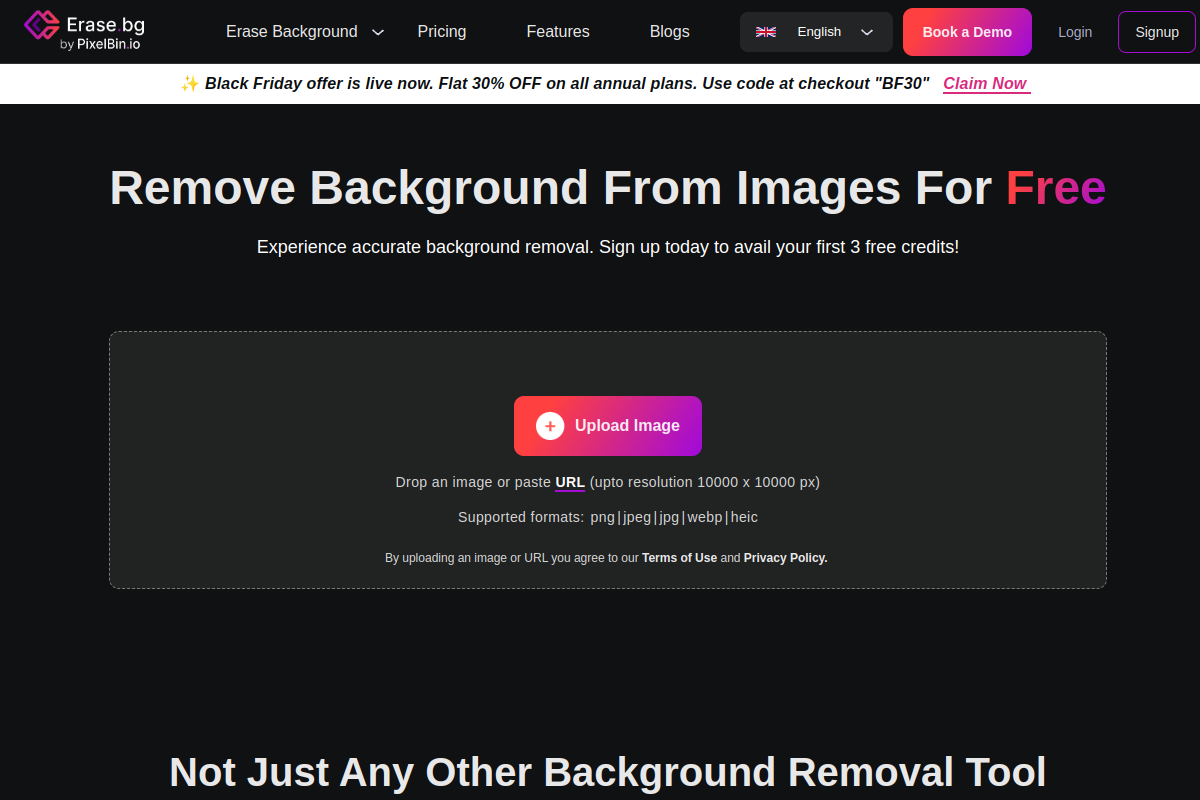
What is Erase.bg: AI Background Remover?
Erase.bg is a highly efficient AI-powered tool that automatically removes backgrounds from images with precision and speed. It serves as an online background remover, enabling users to generate transparent backgrounds or replace them with solid colors or custom images. This advanced image background editor leverages artificial intelligence to handle complex elements like hair and fur, ensuring clean and accurate cutouts for a variety of uses, from personal projects to professional e-commerce product listings.
Key Features of Erase.bg: AI Background Remover?
- AI-Powered Automatic Background Removal: Utilizes advanced AI algorithms to precisely detect and remove backgrounds from images, including challenging details like hair and intricate edges.
- High-Resolution Output: Supports downloading transformed images in HD and up to 4K resolution without compromising quality.
- Batch Processing: Allows users to process multiple images simultaneously, saving time for bulk tasks and e-commerce needs.
- Customizable Backgrounds: After removing the original background, users can replace it with a solid color or choose from various templates and custom images.
- User-Friendly Interface: Offers a simple drag-and-drop functionality and an intuitive design, making it accessible for users without advanced editing skills.
- Mobile App Availability: Available as an application on both Android and iOS devices for on-the-go background removal and editing.
Pros
- Clean & Accurate Background Removal: Provides impressive results with sharp cutouts and handles complex edges effectively.
- Speed and Efficiency: Removes or changes backgrounds in seconds, significantly saving time compared to manual editing.
- High-Quality Output: Allows downloading images in high resolution (HD to 4K) without loss of quality.
- Ease of Use: Features a simple, intuitive interface that does not require advanced editing skills.
- Supports Multiple Formats: Compatible with various image input and output formats like PNG, JPG, JPEG, WEBP, HEIC, PDF, and GIF.
- Freemium Model: Offers free credits upon signing up and allows free usage for personal purposes with some limitations.
Cons
- Limited Editing Features: Primarily focuses on background removal and basic swaps, with few advanced editing tools.
- AI Background Changer Can Be Unstable: Some tests reported instability with the AI background changer feature.
- Basic Template Library: The selection of templates for background replacement is considered basic.
- Credit-Based System for Pro Features: Heavy users may find the credit-based pricing restrictive for bulk or regular professional use.
- No Manual Refinement on Free Tier: While batch processing is a pro feature, the free version might lack manual refinement for intricate details requiring additional tools.
Who is using Erase.bg: AI Background Remover?
- E-commerce Sellers: For creating clean product images with transparent or white backgrounds for online listings.
- Photographers: To streamline post-processing workflows by quickly removing unwanted backgrounds from portraits or other photos.
- Designers: For isolating elements and creating professional graphics for websites, marketing materials, and social media.
- Content Creators: For enhancing visuals for social media posts, blogs, and presentations with eye-catching images.
- Individuals: For personal photo enhancements, profile pictures, and quick image transformations without specialized software.
Summary
Erase.bg is a powerful AI-driven tool that excels at automatically removing image backgrounds, making it a go-to solution for anyone needing to create transparent images or change backgrounds quickly. While it provides excellent accuracy and high-resolution output for tasks like ‘product image background removal’, users seeking extensive photo editing capabilities or advanced ‘Erase.bg alternatives’ might find its features focused primarily on background-related tasks. It offers a freemium model with paid plans catering to more intensive use cases.
Frequently Asked Questions
Ans. To use Erase.bg, simply visit the website or download the mobile app, then upload your image using the 'Upload Image' button or drag-and-drop. The AI will automatically process and remove the background in seconds. You can then download the image with a transparent background or choose to edit and replace the background with a color or template.
Ans. Yes, Erase.bg offers a free plan. Upon signing up, users typically receive 3 free credits for HD image downloads. Additionally, some sources indicate it can be used for free for personal use, allowing high-resolution downloads without requiring an account for certain functions. Paid plans are available for bulk tasks or professional needs.
Ans. Popular alternatives to Erase.bg for background removal include Remove.bg, Fotor, Adobe Express, PicWish, Slazzer, and Canva's background remover. These tools also leverage AI to provide efficient image background removal, some offering additional editing features or different pricing structures.
Ans. Erase.bg operates on a freemium model. Free usage includes a limited number of credits upon sign-up. Paid plans are credit-based or subscription-based, with pay-as-you-go options starting at $5 for 10 credits, or monthly subscriptions like a 'Starter' plan around $4.9 for 3000 removals per month.
Ans. Absolutely, Erase.bg is highly recommended for e-commerce sellers. It allows for quick and accurate removal of backgrounds from product images, helping to create clean, professional visuals often required for online listings, thereby enhancing product presentation and sales.