

TeacherMatic
TeacherMatic is an AI-powered platform designed for educators to efficiently generate a wide range of teaching resources. It aims to significantly reduce teacher workload and boost productivity in educational settings.
Visit Site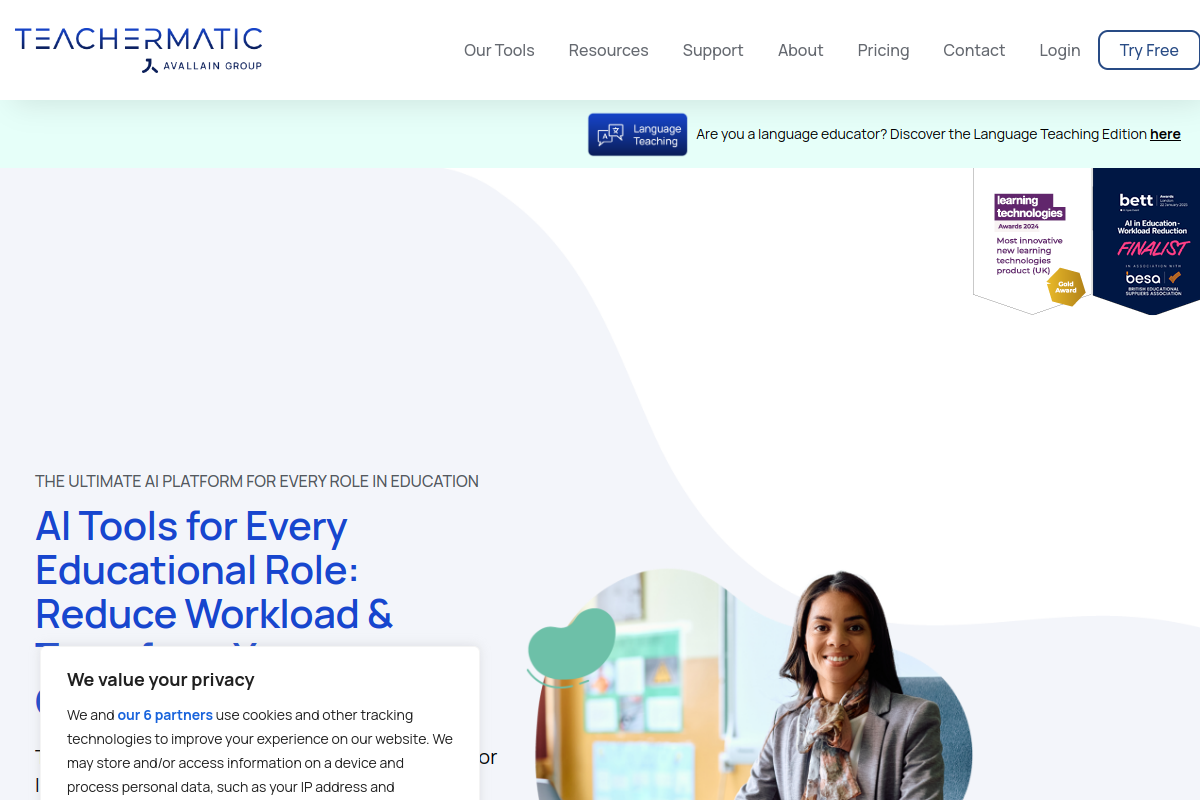
What is TeacherMatic?
TeacherMatic is an innovative AI platform specifically developed by educators to streamline various tasks within the education sector. It offers a comprehensive suite of over 100 smart generators aimed at creating diverse educational content and administrative resources.
This tool is designed to support teachers, leaders, administrators, and other staff by automating the generation of materials like lesson plans, quizzes, feedback, schemes of work, and even HR documents, ultimately reducing workload and enhancing efficiency.
Key Features of TeacherMatic?
- Lesson Plan Generator: Quickly creates detailed lesson plans for various topics and educational levels.
- Scheme of Work Generator: Develops comprehensive schemes of work with an overview for multi-lesson courses.
- Quiz Maker: Generates multiple-choice quizzes and other assessment types to evaluate student understanding.
- Feedback Generator: Provides detailed feedback and grading for student work, saving valuable marking time.
- In-Class Activity Generators: Creates engaging resources for debates, expert insights, and interactive classroom activities.
- Resource Export Options: Allows users to export generated content in various formats like PDF and Word documents for easy sharing and use.
Pros
- Time-Saving: Significantly reduces workload by automating resource creation and administrative tasks, saving educators an average of 2 hours and 10 minutes per week.
- Ease of Use: Features a user-friendly interface that makes it easy for educators, even those new to AI, to generate content quickly without complex prompt engineering.
- Diverse Functionality: Offers over 100-150 generators catering to a wide range of educational needs and roles, from lesson planning to HR.
- High Quality Content: Generally produces high-quality content appropriate for the intended audience, with the ability to export in various file types.
- Secure Platform: Provides a secure environment for intellectual property and data, addressing concerns about using general AI tools.
Cons
- Repetitive Content: Some users have found the generated learning activities to be repetitive.
- Difficulty Level Inconsistency: The difficulty level of content can sometimes be too low for more detailed or advanced subject areas.
- Presentation Quality Issues: The presentation generator has been criticized for generating irrelevant images and generic text.
- Accessibility Concerns: The presentation generator may not automatically create text formats suitable for screen readers, posing accessibility challenges.
Real User Sentiment
Overall user sentiment for TeacherMatic is strongly positive, with educators frequently praising its ability to save time and simplify resource creation. Many find it user-friendly and effective for general content generation. Some minor criticisms exist regarding repetitive content or the quality of certain specific outputs.
Source: Aggregated from user reviews, educational technology forums, and pilot program feedback.
Common Feedback:
- “TeacherMatic has been a game-changer for my lesson planning; I’ve reclaimed so much time!”
- “It’s incredibly easy to use, much better than trying to prompt general AI chatbots for teaching resources.”
Best Use Cases
- Lesson Planning: Quickly generating detailed lesson plans and schemes of work for any subject or educational level.
- Assessment Creation: Developing multiple-choice quizzes, rubrics, and class questions to assess student learning efficiently.
- Providing Student Feedback: Automating the process of generating detailed and constructive feedback for student assignments.
Best Examples & Prompts
Recommended Workflows & Usage Scenarios:
Input ‘Subject: Biology, Topic: Photosynthesis, Grade Level: High School (Year 10), Duration: 60 minutes, Learning Objectives: Students will be able to identify the reactants and products of photosynthesis and explain its importance.’
Input ‘Topic: World War II causes, Number of Questions: 10, Difficulty: Medium, Include answers: Yes.’
Input ‘Course Title: Introduction to Python Programming, Target Audience: Beginners, Duration: 10 weeks, Key Areas: Variables, Data Types, Control Flow, Functions, Basic Libraries.’
Learning Curve Score
| Ease of Use | 3/10 ⭐ |
| Level | Low |
| Beginner Friendly? | Yes ✔️ |
| Time to Master | 1-2 hours |
Feature Scorecard
Limitations You Should Know
- Occasional Generic Output: Some generated content, particularly for presentations or more niche topics, can be generic or lack specific nuances.
- Image Relevance: The presentation generator sometimes includes irrelevant images, requiring manual review and replacement.
- Repetitiveness: Certain learning activities or question structures might feel repetitive across different generations.
- Accessibility for Presentations: Automatically generated text in presentations may not be optimized for screen readers, posing accessibility challenges.
Who is using TeacherMatic?
- Teachers: For generating lesson plans, quizzes, worksheets, and feedback efficiently.
- Leadership Teams: For simplifying strategic tasks such as policy writing, communications, and planning.
- Administrators: For generating professional emails, responses, and streamlining day-to-day operations.
- Human Resources: For preparing job descriptions, policies, and internal communications.
- Quality Officers: For supporting quality assurance, reporting, and compliance documentation.
Who Should NOT Use This Tool?
- Educators needing highly specialized, in-depth academic papers or research: While it aids in content creation, it’s not designed for generating deep academic research.
- Users expecting highly custom visual design from presentations: The presentation generator may not meet high standards for unique graphic design.
- Teachers unwilling to review and refine AI-generated content: Some outputs may require editing for specificity or to overcome repetitiveness.
Pricing Breakdown
| Plan | Price | Features | Verdict |
|---|---|---|---|
| Free | Free | 5 generations per day (first week), then 1 generation per day; access to a limited selection of generators. | Best for trying out TeacherMatic’s core functionalities and basic needs. |
| Standard | £9.99/month (incl. VAT) | 30 generations per day; full access to all existing and upcoming generators; suitable for moderate users. | Ideal for individual teachers looking to regularly integrate AI into their planning and resource creation. |
| Professional | £18/month (incl. VAT) | 150 generations per day; full access to all generators; enhanced support. | Perfect for professional educators, department heads, or those with extensive daily generation needs. |
Summary
TeacherMatic is a robust AI tool that empowers educators to significantly cut down on preparation time and enhance productivity by automating the creation of various resources. While highly praised for its ease of use and broad utility, users interested in how to create lesson plans with TeacherMatic should also be aware of occasional content repetitiveness and presentation quality limitations.
Verdict From an Expert
TeacherMatic stands out as a highly valuable AI companion for educators, addressing the critical need for workload reduction and resource generation. Its intuitive, UI-driven approach removes the complexity of traditional AI prompting, making it accessible even for those new to AI tools. While the breadth of its generators is impressive, continuous refinement in output quality, especially for presentation graphics and content variation, would further solidify its position as a leading educational AI solution.
Frequently Asked Questions
Ans. TeacherMatic simplifies lesson plan creation through its dedicated generator. Users input basic information like topic and desired complexity, and the AI produces a detailed scheme of work or lesson outline in minutes.
Ans. The TeacherMatic free account allows users to generate up to 5 resources per day initially. After the first week, this limits to 1 generation per day, providing a taste of the platform's capabilities before committing to a paid plan.
Ans. Yes, TeacherMatic is specifically designed to reduce teacher workload by automating the creation of various educational and administrative resources. Users report significant time savings, averaging over 2 hours per week.
Ans. Absolutely. TeacherMatic includes a robust Multiple Choice Quiz Maker among its many generators. You can quickly create quizzes tailored to your subject and students' needs.
Ans. TeacherMatic is suitable for all levels of education, including primary, secondary, college, and university. Its diverse range of generators caters to various teaching needs across different age groups and subject areas.
Ans. TeacherMatic was founded in London, United Kingdom in 2022. It was later acquired by Avallain AG, headquartered in Switzerland, making it an international educational technology solution.