
How to Use the Art Text Generator
1
Type your text
Enter any text into our free text border and art generator.
2
Pick a border style
Choose from Box ╔══╗, Rounded ╭──╮, Arrow »»—, Pipe ┃, Double ║, or Code Block { } borders.
3
Copy & paste for free
Copy your bordered text and paste it to Discord, social media, or code documentation — free.
Frame Your Text with Unicode Box-Drawing Borders
The Art Text Generator at FreeAIToolsBox.com wraps your text in 6 unique Unicode border styles using box-drawing characters. Create professional text frames like Box Borders (╔══ text ══╗), Rounded Borders (╭── text ──╮), Arrow Borders (»»— text —««), Pipe Borders (┃ text ┃), Double Borders (║ text ║), and Code Blocks ({ text }).
Unlike image-based borders, our text art borders are pure Unicode characters — they remain as plain text when copied and pasted. This makes them perfect for Discord messages, code documentation, terminal aesthetics, and any platform where you can’t insert images.
For more text styling, explore our Technical Text Generator for monospace fonts, or try the Retro Text Generator for leet speak and binary text.
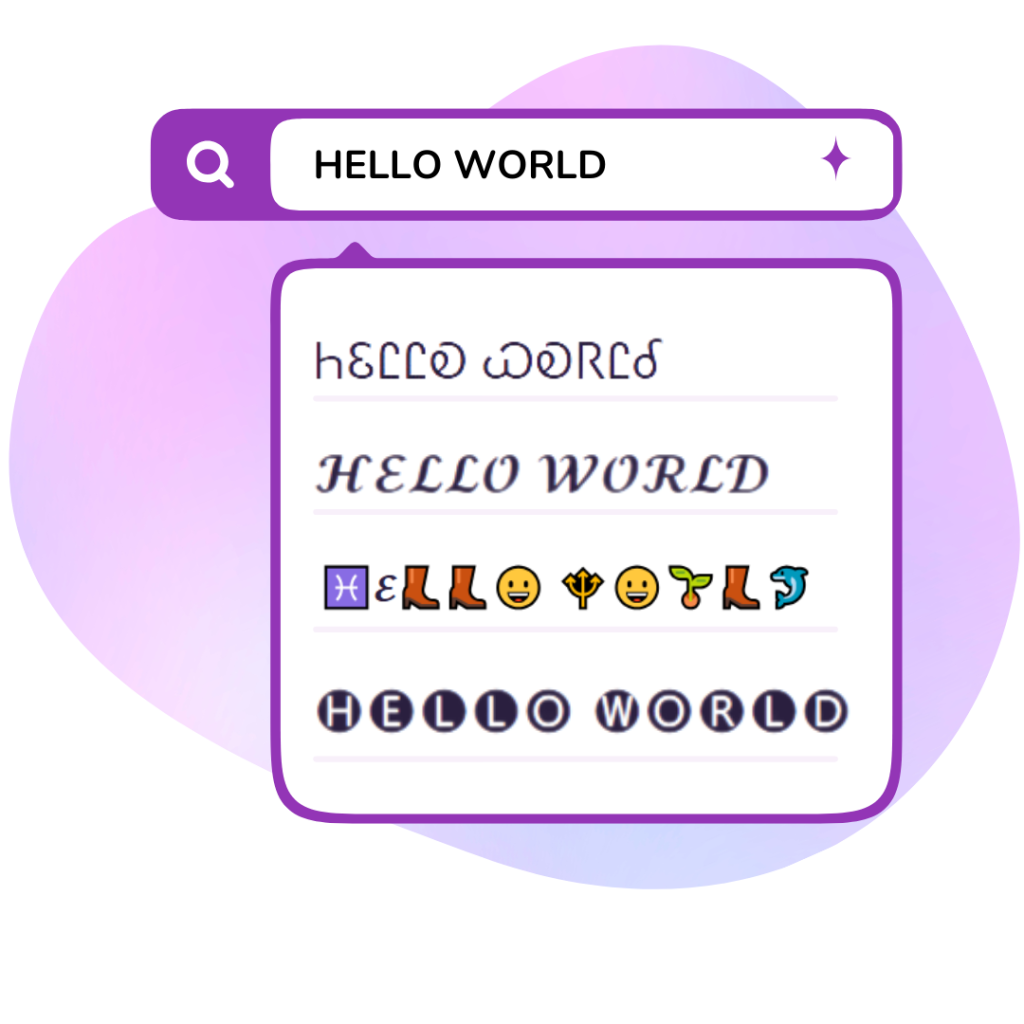
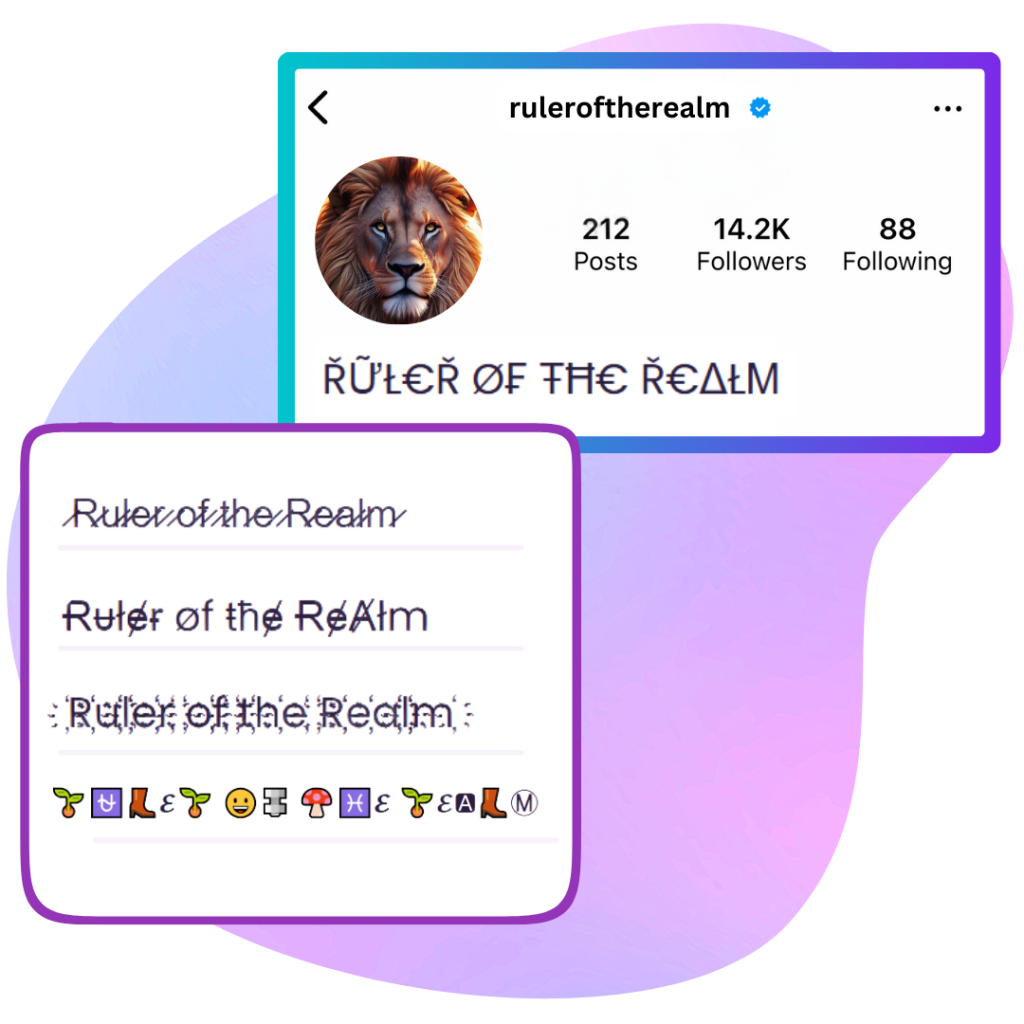
Where Can You Use Text Art Borders?
- Discord Servers: Box borders make announcement messages and rules sections look professional and organized.
- Code Documentation: Code block { } and pipe borders are perfect for README files and terminal-style text.
- Social Media Highlights: Arrow and rounded borders frame important text in posts and bios.
- Email Signatures: Double borders add a professional, structured look to plain-text email signatures.
For more visual text styles, explore our Aesthetic Text Generator or the Gaming Font Generator for epic symbol-decorated text.