

Brisk Teaching
Brisk Teaching is an AI-powered Chrome and Edge extension designed to significantly reduce teacher workload. It provides educators with a suite of tools to automate administrative tasks and enhance instructional quality.
Visit Site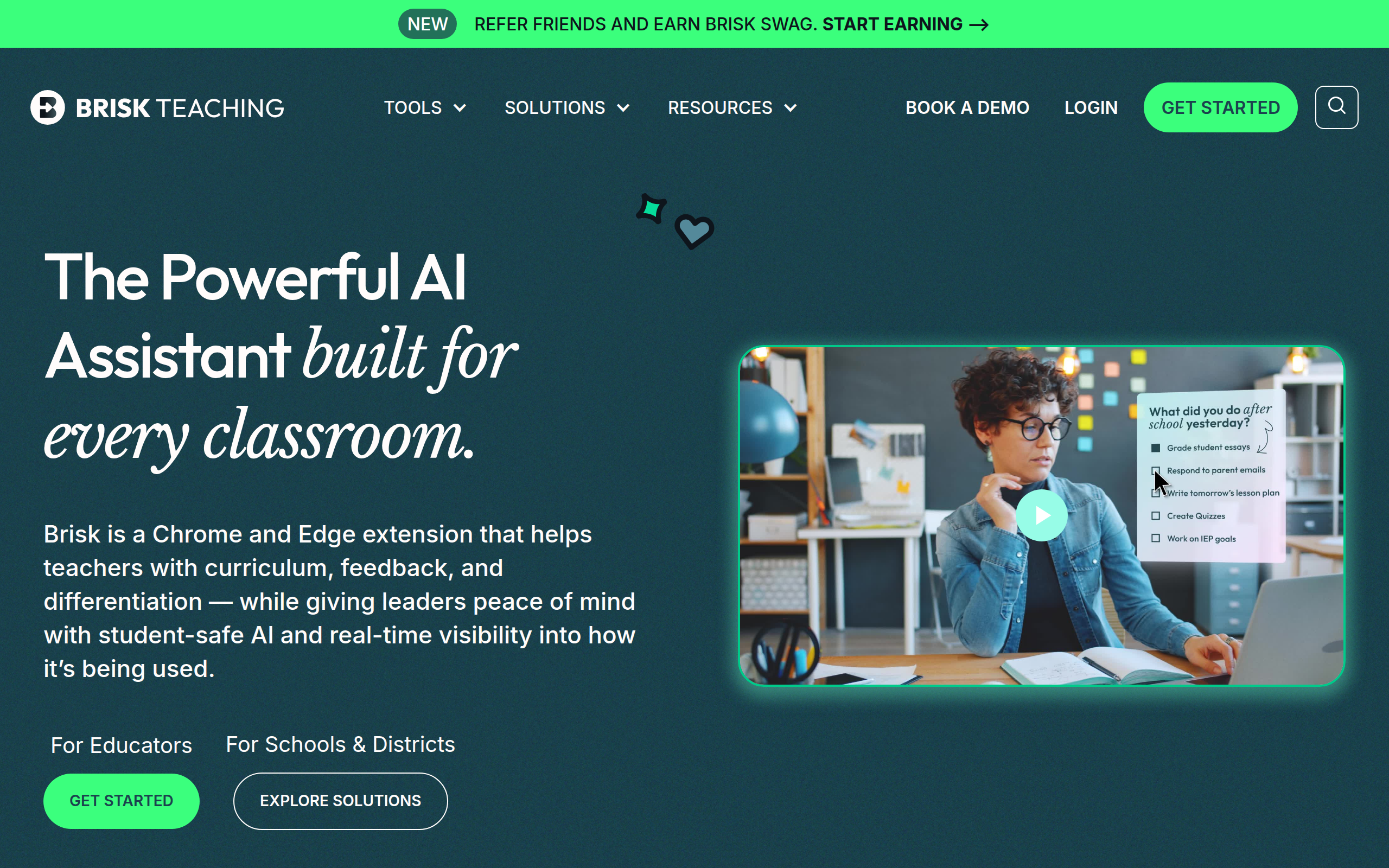
What is Brisk Teaching?
Brisk Teaching is an AI teaching assistant tool developed to help K-12 educators streamline their workflows and enhance student engagement. It operates as a browser extension for Chrome and Edge, seamlessly integrating with platforms like Google Docs, Slides, YouTube, and various Learning Management Systems.
This innovative platform offers over 30 AI-powered tools aimed at automating time-consuming tasks such as lesson planning, creating quizzes, providing personalized student feedback, and differentiating instructional materials.
Key Features of Brisk Teaching?
- AI Lesson Plan Generator: Instantly creates comprehensive lesson plans, rubrics, and instructional materials from existing content or specified topics.
- Personalized Feedback & Grading: Offers various feedback styles (e.g., Glows & Grows, Targeted, Rubric Criteria, Next Steps) directly within student work in Google Docs.
- AI Quiz & Presentation Maker: Quickly generates quizzes in Google Forms/Docs with answer keys and creates engaging Google Slides presentations from articles or YouTube videos.
- Text Leveler & Translator: Adjusts reading levels of online content or documents and translates text into over 30 languages, supporting diverse learners.
- Inspect Writing Tool: Provides a step-by-step video playback of student writing revisions, including copy/paste actions, to offer deeper insights and detect AI writing.
- Brisk Boost for Students: Allows teachers to transform any content into interactive, AI-powered activities for students, providing instant support and adaptive quizzes.
Pros
- Time-Saving Automation: Reportedly saves teachers 5-10+ hours per week by automating repetitive tasks like lesson planning and feedback.
- Seamless Integration: Works directly within popular educational tools like Google Workspace (Docs, Slides, Forms, Classroom) and Canvas, avoiding the need for new platforms.
- Comprehensive Toolset: Offers over 30 AI-powered features for content creation, differentiation, feedback, and student engagement.
- High Privacy Standards: Achieves a 93% Common Sense Privacy Rating, the highest among educational AI platforms, and complies with FERPA, COPPA, and GDPR.
- Student-Safe Features: Designed to support student learning through personalized activities and feedback without providing direct answers or encouraging over-reliance on AI.
Cons
- Potential for AI Inaccuracy: Users are advised to review AI-generated content, especially for high-stakes assessments, as AI can make mistakes.
- Limited Advanced Features in Free Plan: While a robust free version exists, some advanced features like certain feedback styles, AI detection in inspect writing, and slides upgrades are limited to paid plans.
- Requires Chrome/Edge Extension: Primarily functions as a browser extension, which might limit use for educators not using these browsers or on restricted devices.
- Customization Limitations: Some reviews suggest that while powerful, there might be limited customization options in certain areas.
Real User Sentiment
User sentiment for Brisk Teaching is overwhelmingly positive, with educators frequently praising its time-saving capabilities and seamless integration into their daily workflows. Many highlight its effectiveness in generating lesson plans, providing detailed feedback, and differentiating content for diverse student needs. Some minor concerns revolve around the need for teacher review of AI-generated content and limitations of the free version for advanced features.
Source: Aggregated from user reviews on the Chrome Web Store, educational blogs, articles, and discussions on platforms like YouTube and Product Hunt.
Common Feedback:
- “‘This has saved me HOURS of time! The feedback is ridiculously accurate and the quiz feature is amazing!'”
- “‘I didn’t have to learn Brisk, it’s so intuitive. It figured out what I wanted and seamlessly integrates with all my Google tools.'”
Best Use Cases
- Quick Lesson Planning: Generate detailed lesson plans for any topic, grade level, or standard from a simple prompt, existing articles, or YouTube videos.
- Efficient Student Feedback: Provide targeted, high-quality, and rubric-aligned feedback directly within student Google Docs in minutes.
- Differentiated Instruction: Instantly adjust reading levels of online texts or documents and translate content into multiple languages to support diverse learners.
- Creating Interactive Activities: Transform any online resource (videos, articles, slides) into engaging student-facing activities with AI-powered questions, brainstorming prompts, or adaptive quizzes using Brisk Boost.
- Assessing Student Writing Process: Utilize the ‘Inspect Writing’ feature to view a step-by-step playback of how students created their assignments, aiding in understanding their thought process and detecting potential AI use.
Best Examples & Prompts
Recommended Workflows & Usage Scenarios:
Open a YouTube video on ‘Photosynthesis’. Click the Brisk icon and select ‘Create’ -> ‘Lesson Plan’. Specify ‘5th grade science’ and ’45 minutes’.
On a student’s Google Doc essay, highlight a paragraph. Click the Brisk icon, select ‘Give Feedback’ -> ‘Targeted Feedback’.
Open an online news article. Click the Brisk icon, select ‘Change Level’. Choose ‘3rd Grade Reading Level’ and specify ‘Spanish translation’.
Learning Curve Score
| Ease of Use | 2/10 ⭐ |
| Level | Low |
| Beginner Friendly? | Yes ✔️ |
| Time to Master | 1-2 hours |
Feature Scorecard
Limitations You Should Know
- AI-generated outputs require human review for accuracy and pedagogical suitability, especially for critical content or assessments.
- Full access to advanced features, such as enhanced AI detection and certain feedback styles, is typically part of paid or school/district plans.
- Relies on browser extension functionality, meaning it primarily works within Chrome or Edge and integrated Google Workspace/LMS environments.
- While excellent for content generation, deeper customization of templates or nuanced AI behavior might be less flexible compared to direct LLM interaction.
Who is using Brisk Teaching?
- K-12 Teachers: For automating lesson planning, grading, and creating differentiated resources to save significant time.
- Special Education & ELL Teachers: To adjust reading levels, translate content, and generate individualized education plans (IEPs) and MTSS interventions.
- School Districts & Administrators: For a unified AI solution that integrates with existing systems, ensures student privacy, and provides insights into AI usage.
- New Teachers & Burnout Prevention: To reduce administrative burdens and focus more on teaching, helping to alleviate burnout.
Who Should NOT Use This Tool?
- Educators seeking a standalone desktop application rather than a browser extension for their AI needs.
- Users who require 100% guaranteed factual accuracy for all AI-generated content without any human oversight.
- Those who prefer to build AI tools from scratch or have extensive coding knowledge to deeply customize AI model behaviors.
Pricing Breakdown
| Plan | Price | Features | Verdict |
|---|---|---|---|
| Brisk Free | Free | Access to 23 essential, time-saving AI tools for individual educators, including core lesson plan generation, quiz creation, basic feedback, and text leveling. | Best for individual teachers to explore core AI capabilities and save time on daily tasks without any cost. |
| Educator Pro | $99.99/year | Includes ‘turbo AI LLM’, an additional feedback style, AI detection in the inspect writing tool, and slides upgrades, offering more advanced features than the free version. | Ideal for individual educators who require enhanced AI capabilities, more advanced feedback options, and detailed writing inspection features. |
| Brisk for Schools & Districts | Custom Quote | Comprehensive solution with customized pricing, including 10+ more create tools, academic standards alignment, admin dashboard, custom data privacy agreements, professional development, dedicated support, and advanced student insights and feedback. | Suited for institutions seeking a scalable, secure, and integrated AI solution with centralized management and advanced features for an entire school or district. |
Alternatives to Brisk Teaching
| Alternative | Strength | Pricing | Why Choose It? |
|---|---|---|---|
| Magic School AI | Comprehensive suite of AI tools for various classroom tasks, similar to Brisk. | Freemium | Magic School AI offers a broad range of AI tools for planning, student support, and productivity, potentially providing more templates or a different user experience. |
| Diffit | Specializes in differentiating reading materials and generating resources from any text or video. | Freemium (60-day free trial for premium features) | Diffit is an excellent choice if your primary need is to quickly adapt complex texts for different reading levels and create associated learning materials with ease. |
| Class Companion | Focuses on AI-powered grading and feedback for writing-based assessments. | Paid, specific pricing not detailed in snippets. | If your main challenge is providing in-depth, AI-assisted grading and feedback specifically for student essays and writing assignments, Class Companion might offer a more specialized approach. |
Summary
Brisk Teaching stands out as a powerful AI teaching assistant, effectively integrating with existing classroom tools to significantly boost teacher productivity and personalize student learning experiences. Its ability to generate lesson plans, provide detailed feedback, and differentiate content helps educators save valuable time on administrative tasks, fostering a more engaging and efficient classroom environment.
Verdict From an Expert
Brisk Teaching is a transformative AI tool that genuinely addresses the core pain points of educators: time constraints and the need for personalized instruction. Its seamless integration into existing Google Workspace and LMS environments is a significant advantage, removing the hurdle of learning entirely new systems. The comprehensive suite of features, from instant lesson planning to advanced writing inspection and student-safe activities, positions it as a leader in education technology. While caution is always advised with AI-generated content, Brisk Teaching’s emphasis on privacy and teacher oversight ensures it acts as a powerful assistant rather than a replacement for human educators. It’s a must-have for any K-12 teacher looking to reclaim hours in their week and elevate their teaching practices.
Frequently Asked Questions
Ans. Brisk Teaching is an AI-powered browser extension (Chrome and Edge) that assists K-12 teachers by automating tasks like creating lesson plans, quizzes, and personalized student feedback. It integrates directly into existing platforms like Google Docs and YouTube, aiming to save teachers valuable time.
Ans. Yes, Brisk Teaching offers a robust 'Free Forever' plan that includes over 20 essential AI tools for individual teachers. A 14-day free trial of premium features is also provided upon sign-up.
Ans. Brisk Teaching prioritizes student privacy, achieving an impressive 93% Common Sense Privacy Rating, the highest among educational AI tools. It is compliant with FERPA, COPPA, and GDPR standards.
Ans. Yes, Brisk Teaching includes an 'Inspect Writing' feature with an AI detection tool. It can replay the student's writing process, showing revisions and copy/paste actions, which can help identify AI-generated content.
Ans. Brisk Teaching can generate a wide range of content, including lesson plans, quizzes (Google Forms/Docs), presentations (Google Slides), rubrics, individualized education plans (IEPs), progress reports, and differentiated reading materials from various online sources.
Ans. Brisk Teaching's 'Inspect Writing' feature utilizes a cutting-edge AI detection model that analyzes a student's revision history, including keystrokes, pauses, and copy/paste actions, to provide insights into the writing process and help identify potential AI use.
Ans. Brisk Teaching maintains high privacy standards, achieving a 93% Common Sense Privacy Rating. It adheres to critical privacy regulations like FERPA, COPPA, and GDPR, and offers custom Data Privacy Agreements for schools and districts.
Ans. Brisk Teaching is designed for seamless integration with various LMS platforms like Google Classroom and Canvas, working directly within these environments without requiring teachers to switch between applications.